
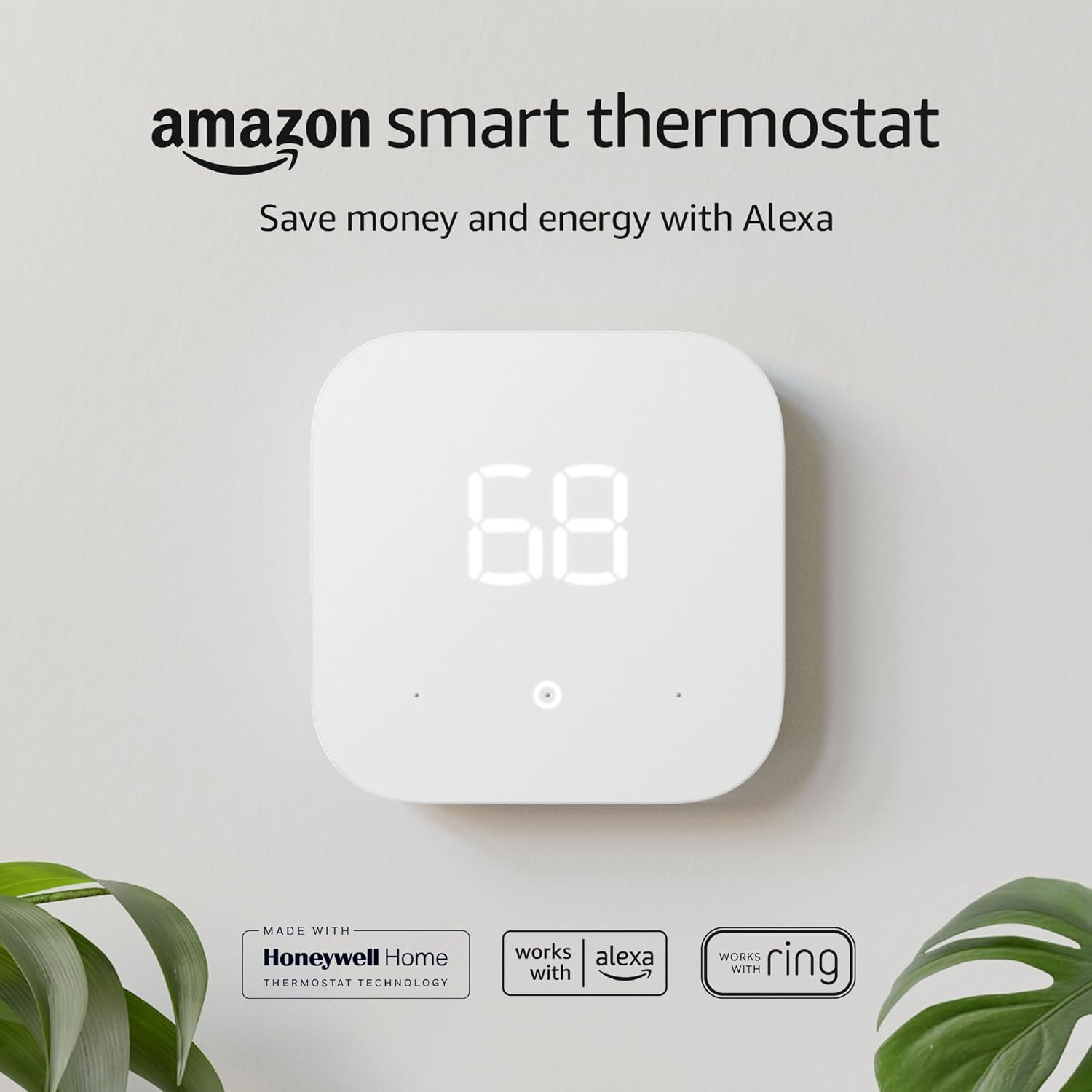
Amazon Smart Thermostat – Save money and energy – Works with Alexa and Ring – C-wire required
$79.99
Related Products
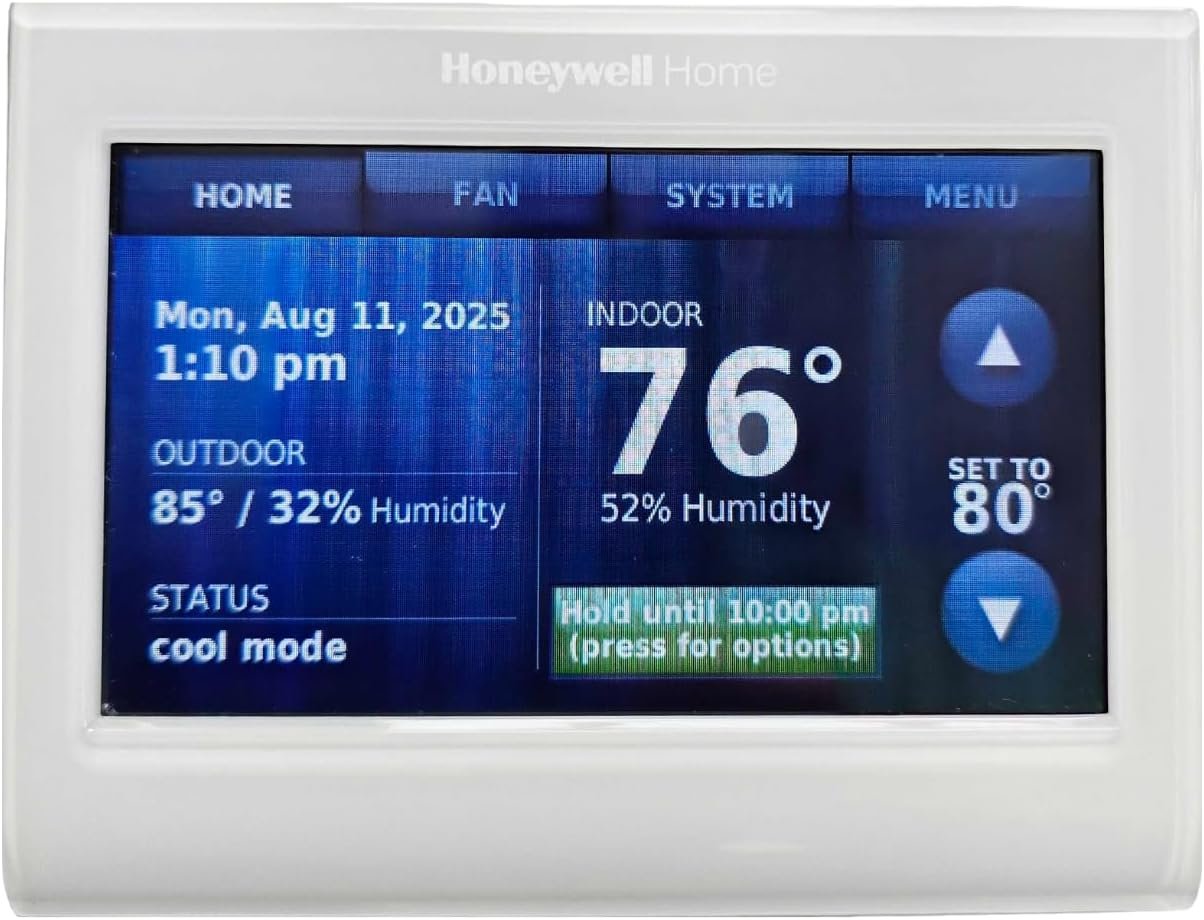
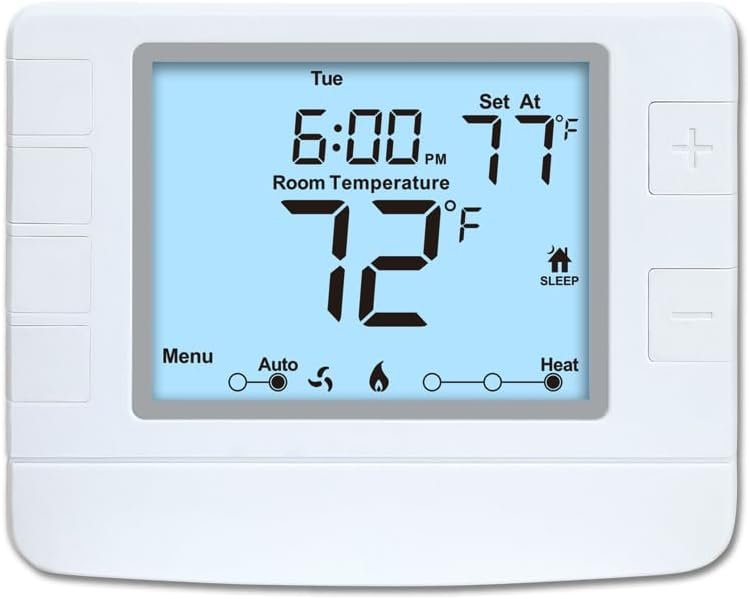
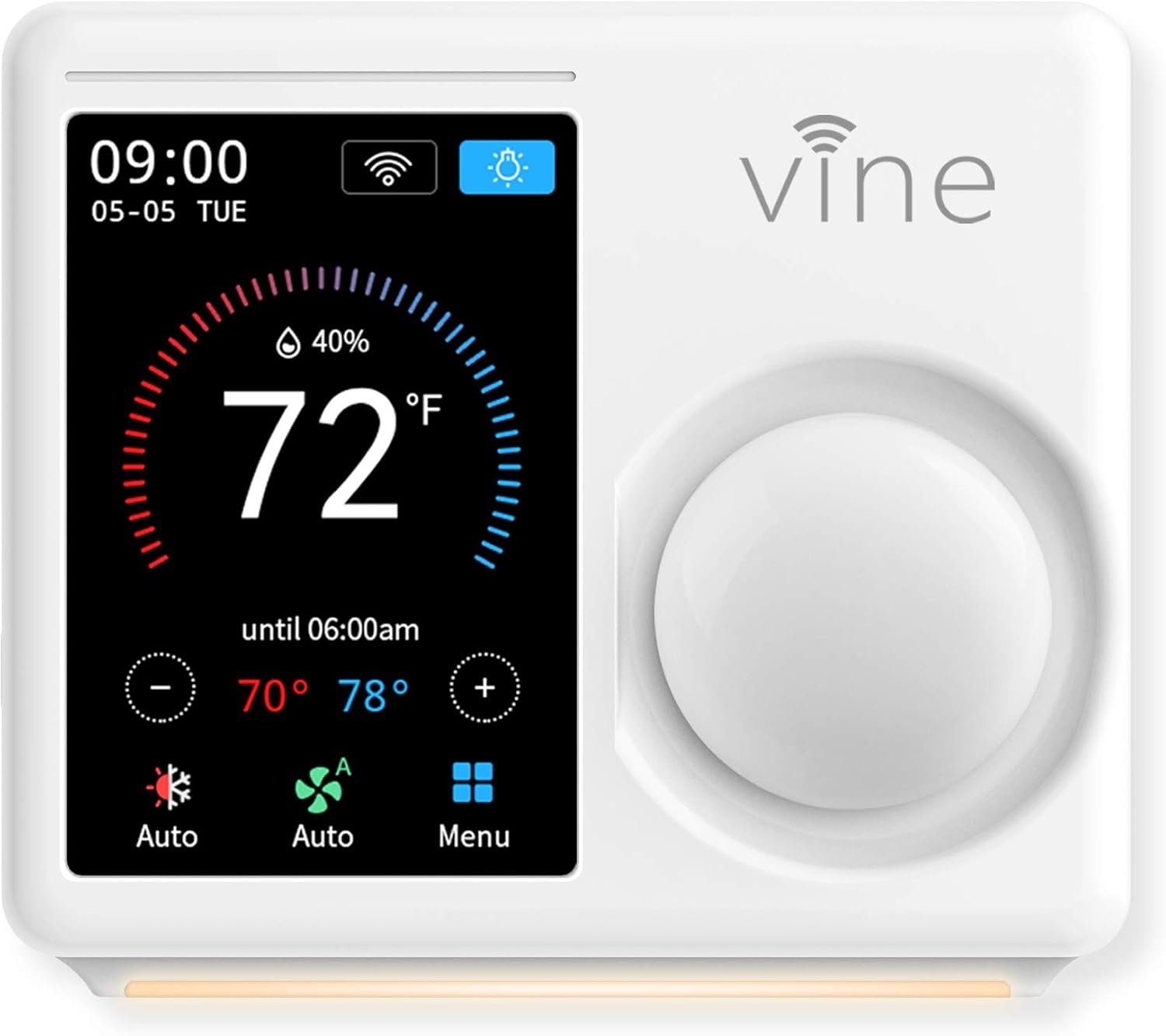
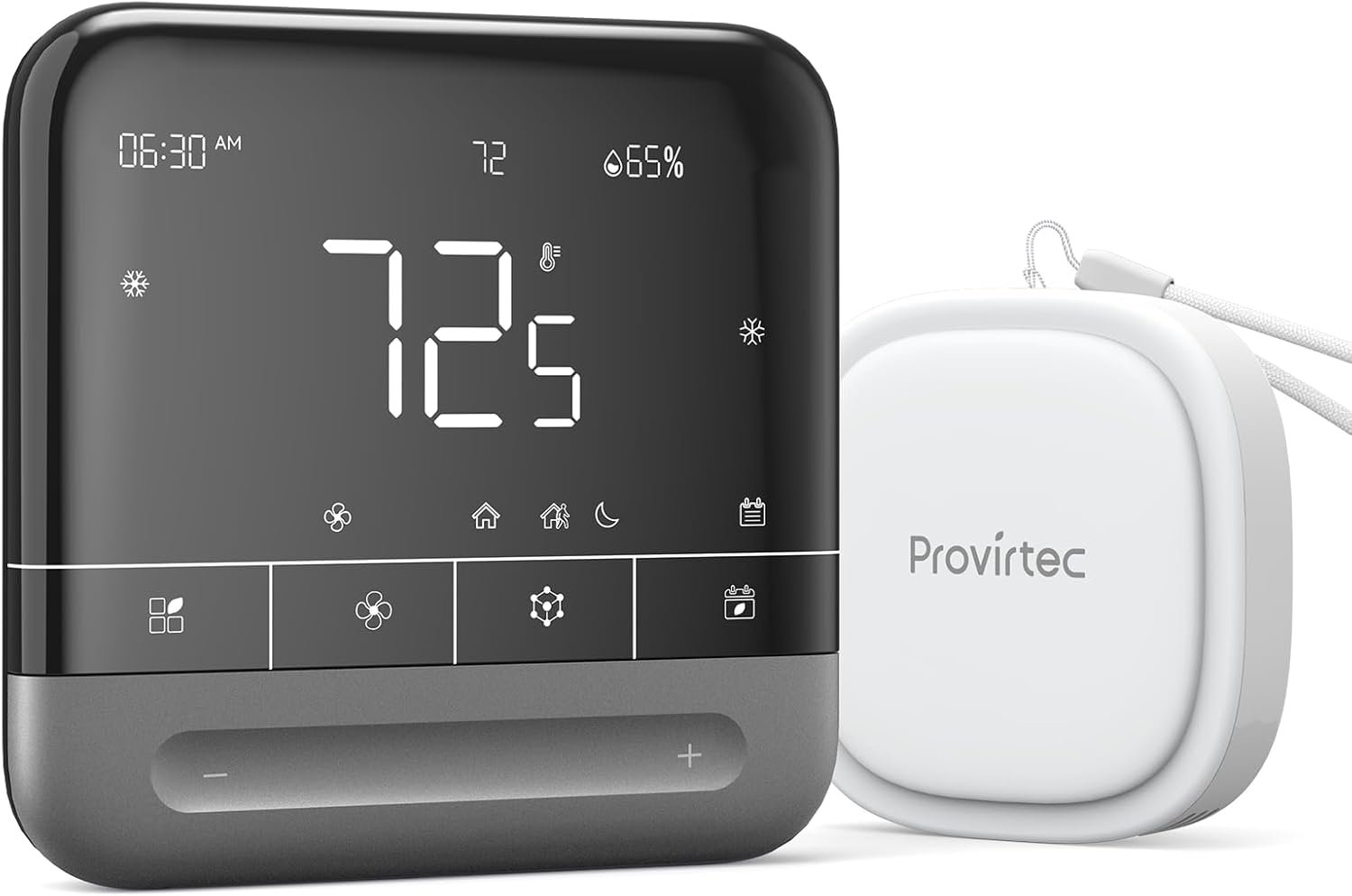
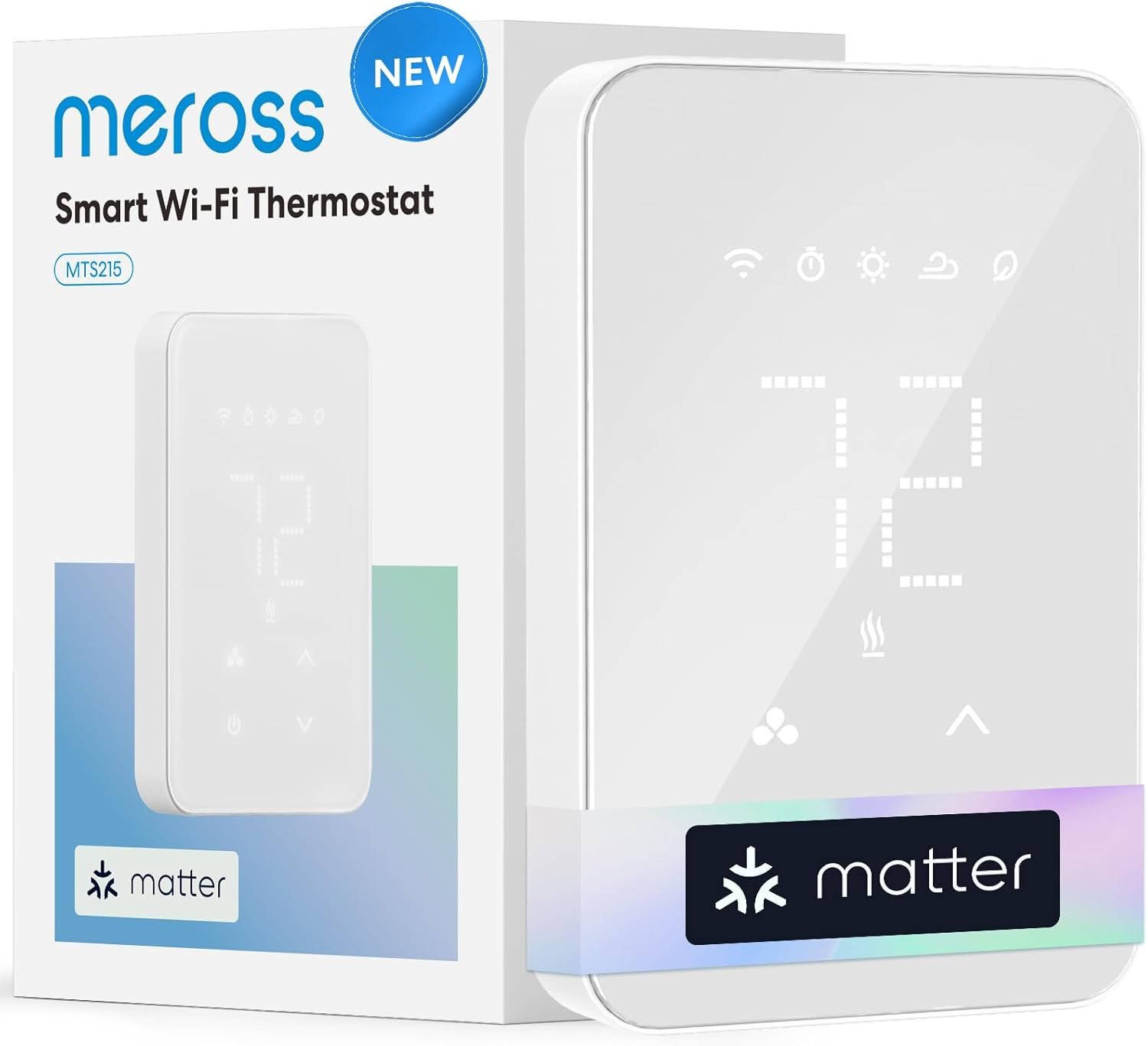
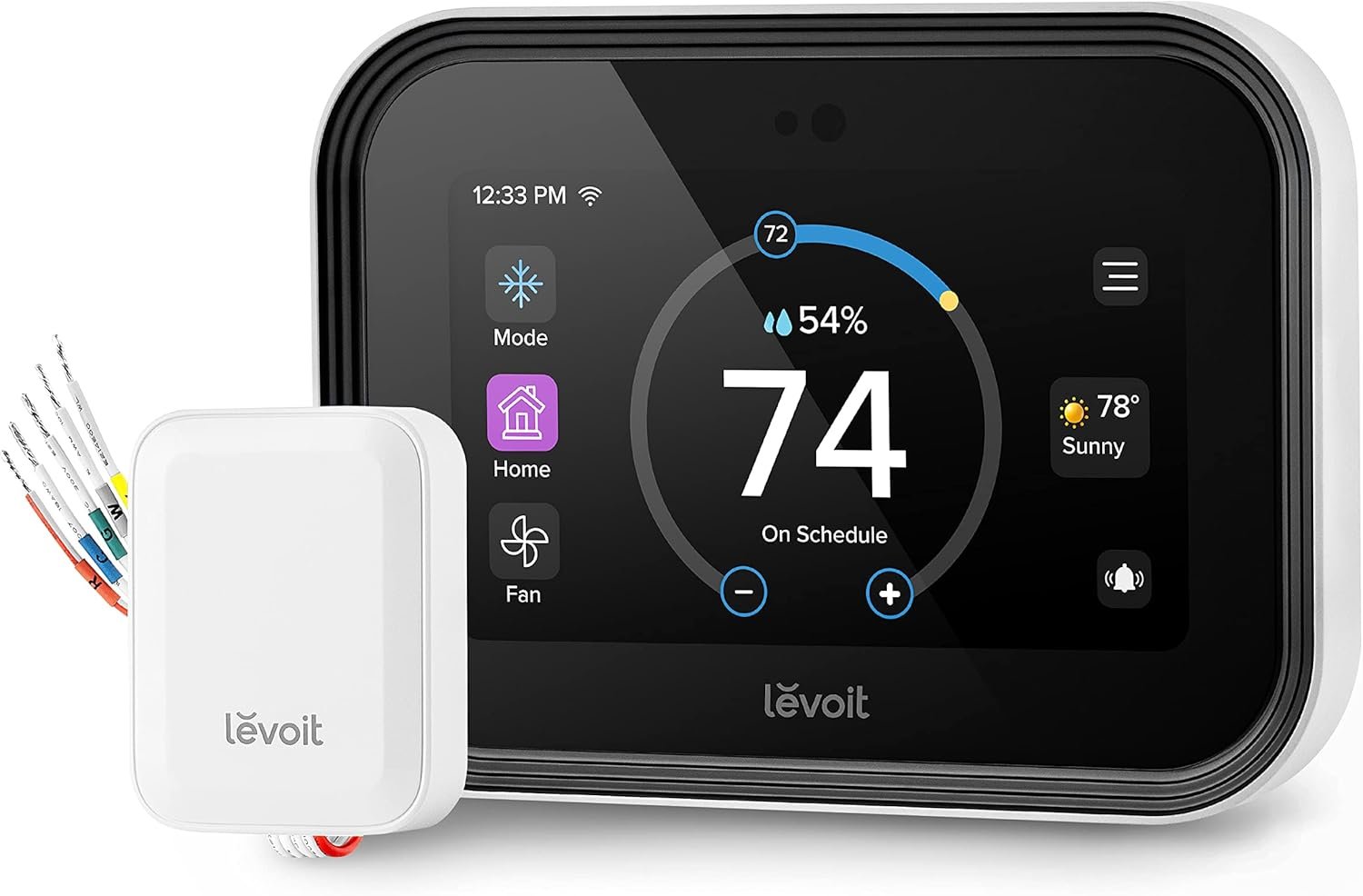

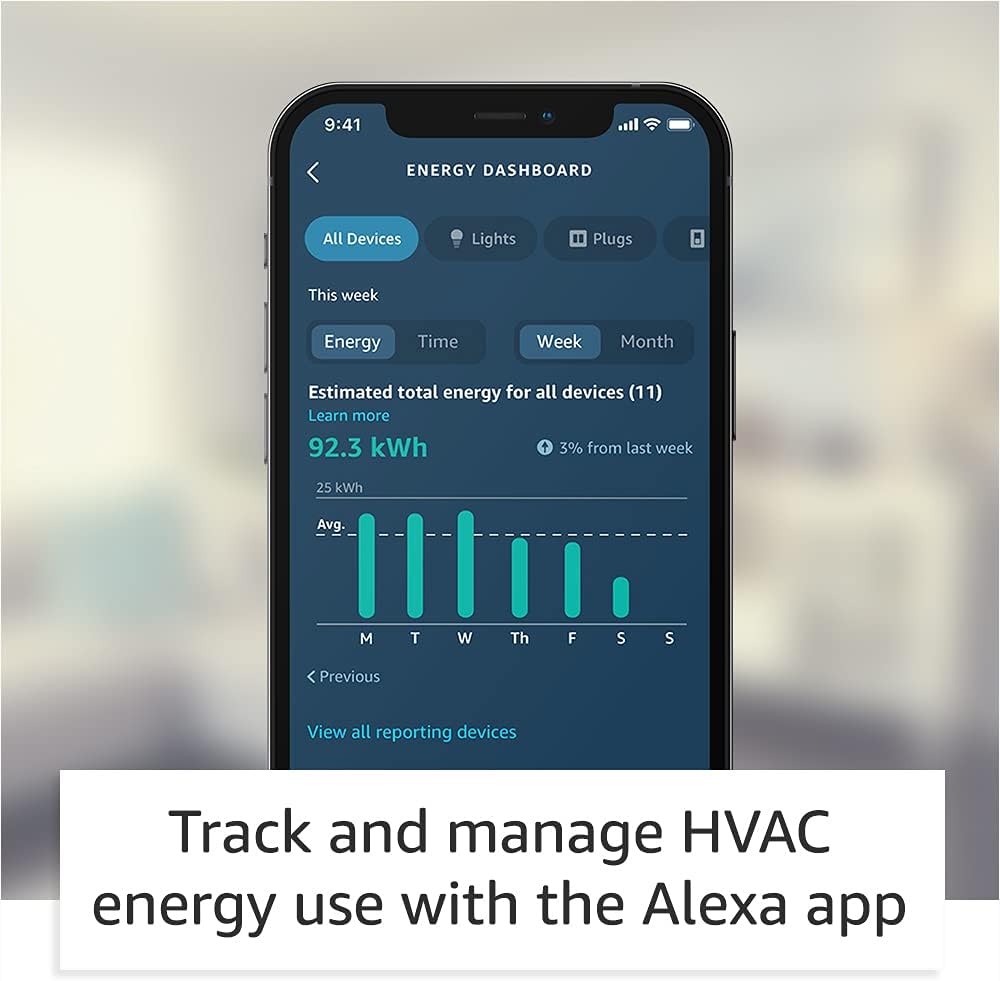
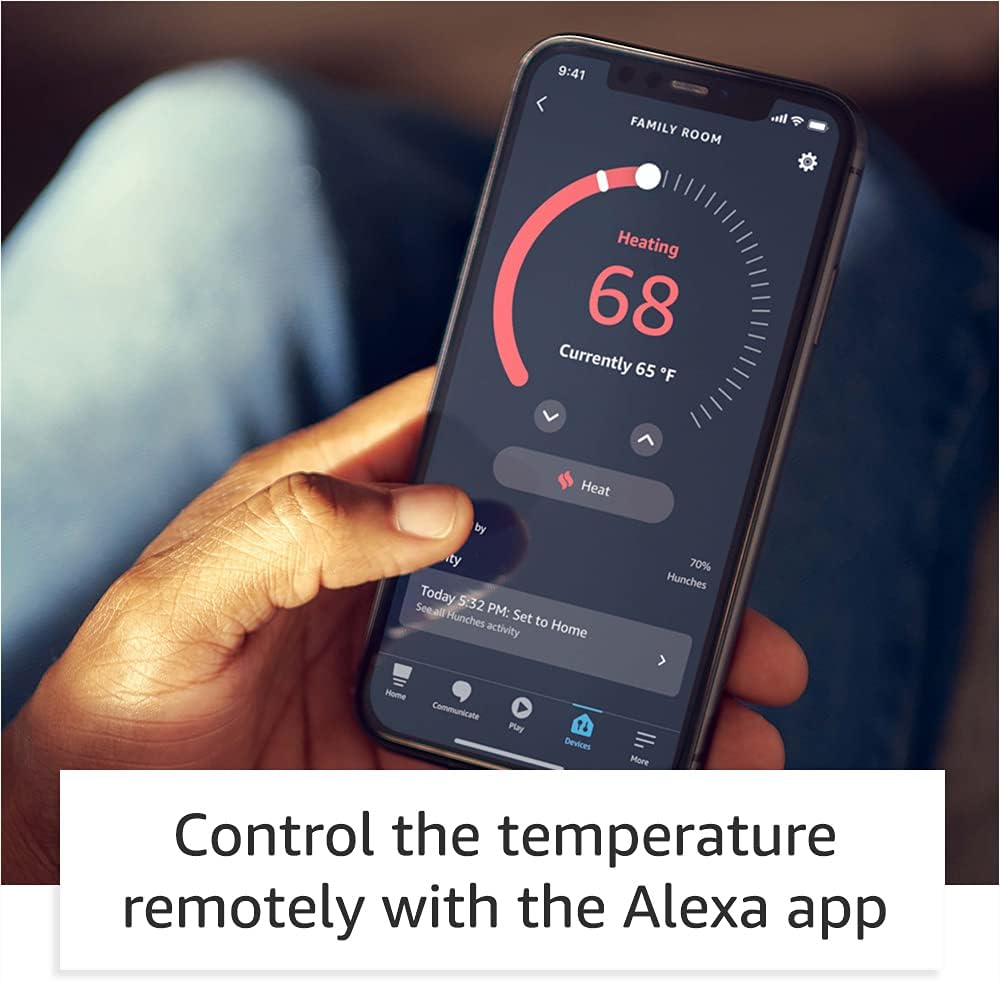

Smart upgrade – Amazon Smart Thermostat is an easy way to switch from a traditional thermostat and help reduce energy usage.
Create comfort zones throughout your home by using select Echo devices or Amazon Smart Air Quality Monitor to automatically adjust heating and cooling based on temperature readings or presence detection.
Save money – After purchase, Amazon will send you an email with details about rebates that may be available from energy providers in your area. Explore rebates above.
Save energy – According to EPA estimates, ENERGY STAR certified thermostats save an average of $50 on yearly energy bills.
Automatic Control – Alexa can automatically switch between your preferred home, away, and sleep temperatures.
On-the-go control – Let Alexa set the temperature, or set it yourself from anywhere with the Alexa app.
You can do it – The Alexa app will guide you through the installation process, but customer service is always available.
Reliable – Made with Honeywell Home Thermostat Technology and backed by 130 years of experience.
Create your Alexa+ home: With Alexa+, set routines using just your voice, control multiple devices at once, and chat casually to make requests.
4 reviews for Amazon Smart Thermostat – Save money and energy – Works with Alexa and Ring – C-wire required
Add a review
$79.99
funnytennisman –
Amazon Smart t-stat honest review
I’m a big Nest fan had it on my old house the problem that I have with them it’s the cost, and even with gas company great rebate didn’t justify the cost especially with my new home having a total of 5 thermostats (t-stat). I was excited when I found that Amazon partner with Honeywell to get this t-stat created as Honeywell has been creating t-stat for years which make me feel better when making the purchase.—COST—Now let go over the details for cost it’s good and I got two of them which at the end of the day will be free due to the electric company rebate for a smart t-stat. I didn’t get a C- adapter and I will explain later (INSTALL session) why I purchase a 24-volt transformer for my first-floor unit.—INSTALL—Love the package it reminds me of the NEST when it first starts came with everything that you needed the only additional tools, I need was a harmer, and drill but this is normal for these installations.Now the biggest question that everyone has is the C (common) wire. This is where you need to do your research regardless of what company you go with when upgrading to a smart thermostat, due your homework on what you need. For me I have a spill unit (boiler & A/C) first for my second-floor unit it was super easy I had an extra wire and I use it for Common the t-stat startup and finish within 30 min. Now for my first floor I utilize a 24-volt transformer because I didn’t have spare cables and I didn’t want to run a new cable which drove me to make the purchase again do your homework before and see what option best works for your use case.I connected the transformer to the C wire and the other end to Rc and that works like a champ. This is critical if you have a split unit since Honeywell power their t-stat via Rc only when you have two RED Wire (R (heater) and Rc(cooling)) and the blue tab (internal jumper is down position. If you only have one RED Wire you are fine just keep the blue tab up and your t-stat will turn on without any problems. I did reach out to Honeywell and explain to them they need to explain this on their site and white papers that when you have split units’ power for the t-stat will come from Rc and not from R this is critical because my house previous owner installed a switch to keep the A/C unit down through the winter to avoid accident turning on the unit which is great idea. Please keep in mind this is NOT an Amazon problem that is Honeywell they did acknowledge their mistake and agree to update their site and documentation.Running my transformer cable and installing the unit took me about 60 minutes because I wanted to look perfect with the transformer cable going through the wall this make the installation look cleaner.—-SETUP—-Once all wire were connected the setup of the t-stat was simply and when I say simple it was super didn’t have input the WiFi password or anything else since it automatic joined my account that was amazing and simply just like setting a fire table that was a great experience. Amazon did an amazing job doing this some users this my not be as good, but I look automation the less click I must do the less chances of mistake A+—LOOK—The t-stat looks great after the final install the wall panel (included but optional for install) made it easier for me since I didn’t have to paint (if you had a different color paint I would recommend adjusting before completing the install but that is just me)—Interface (GUI)—-For me the GUI is great for some it my but I’m one of those people that like to have one application on my phone or tablet rather than 2 and this is where Amazon did another amazing job. Please keep in mind that Google who purchase NEST is doing the same thing I see the NEST application going away in the future all new NEST is configure from Google Home and they also did a great job The GUI it’s simple and allows you to setup multiple schedules and copy them to different days or week. Huge plus on my book because for the NEST I had to do manually per day I can setup one day and copy to another. You can setup away and home schedule or utilize your current Amazon device to tell the t-stat that you are home or away. Another item that I love from the Amazon you can setup MAX cooling or heating this allows for mistake not to happen and getting your house too hot or cool really go option to have and you can set filter replacements without your assistance (optional) for me this is great no more remembering air filter as they will show up at my footsteps.Energy saving incentives can also be done via the application. The dashboard its great too it tells you how much energy you utilize each day and where you can save.Now the only downside for that I experience is only scheduling session on Android because it forces close my Alexa application all the time, I don’t have this problem with anything else on the application just the scheduling session. This option works perfect on my wife new iPhone and iPad pro and new Android phone. My old Android is the one with this problem, but I experience this kind of thing on and off since it’s an older device.——-Final judgment —-The device is good option for a smart t-stat and would recommend for anyone some of the problems that were reported it was on day one which is expected with any new launch overall I see this t-stat giving Google (NEST) and others a run for their money as now you have a great option for smart t-stat and you don’t require to break your budget to acquire one. In addition, love the one application for everything as previously mentioned all big companies are doing this model to stop the install of some many other applications. In a scale from 0 -10 this t-stat gets a 9 please note that the NEST 3rd gen got a 9 from me. Hope this helps everyone make the correct decision and I will update this review in a few weeks to report back.
tb –
Awesome thermostat for Alexa + users
I love this well priced thermostat. Super easy to install. Integrates perfectly into Alexa +. Voice commands are flawless.
Mike N. –
An elegant look smart thermostat without breaking your bank
Replaced my old Honeywell thermostat with this smart device. My old thermostat was tested to be not accurate in sensing the current temperature and usually triggers start/stop of my furnace or AC at +/- 2 degrees of current room temperature. This amazon smart thermostat may not be as smart as others on the market (such as Nest, EcoBee, etc) but it does the job well, easy to control from your phone thru Alexa app and it does not break your bank with a reasonable price. Btw, my local utility PG&E company is giving me a rebate making this purchase completely free.My house does not have a 5-wire cable connection from my furnace/AC to the control location in the hallway. Instead of ripping it out to put in a new 5-wire cable and all the extra work of patching up the walls etc, I decided to install it with the G (green) wire to be the C (central) wire and short connect the G (green) and Y (yellow) terminals at the control board of the furnace system. You may search for this method on Youtube as there are lots of video clips showing this method. CAUTION: Note that you must be comfortable working with the wires at the furnace system control board, and make sure that you switch off electricity at your main control circuit panel to avoid damaging your furnace/AC system components. If you are not comfortable, you can hire a professional to do the job for you.Installing the thermostat over the existing location is quite easy and straightforward. The package provides everything (a face plate, the screws and anchors, mounting bracket). You will need a drill to properly put in the anchors for the whole assembly. The wire connection to the assembly is made easy using the connectors spring clips (instead of the old screw methods of connection). The amazon web link for the installation will walk you thru all the steps, connecting it to your home wifi, and testing it out the furnace/AC system once done.Connecting the thermostat to the Alexa app on your phone is simple as it is quickly detected once your thermostat is connected with your home wifi. But navigating the Alexa phone app can be quite intimidating since there are so much more option and setting to set up. This is due to Alexa being a hub to allow control of many other smart devices that may exist at your home, such as smart outlets, smart bulbs, etc.I only give 4 stars to this device since it only allows 3 setting profiles: Away, Home and Sleep. For most usage, 3 would be satisfactory but I need more than 3. As this is a software function, it can certainly accommodate your individual creation of your own profile with your chosen name and integrate them all into the control of your furnace/AC system. Other than this little inconvenience, I am happy with the product and would highly recommend it.
Amy –
Always check compatability first.
This took less than 5 minutes to set up and get into my routines. Checking the compatability prior made the hassel of this, non-existent since I had an older Honeywell thermostat, So all i really had to do was snap on the new face. Extremely pleased with the auto feature that keeps my temps within my comfort zone. It’s not too big, low profile, pretty accurate, and immediately started to work. I also like the brightness feature as my last was blaring at night. Very happy with my upgrade. Thanks.