
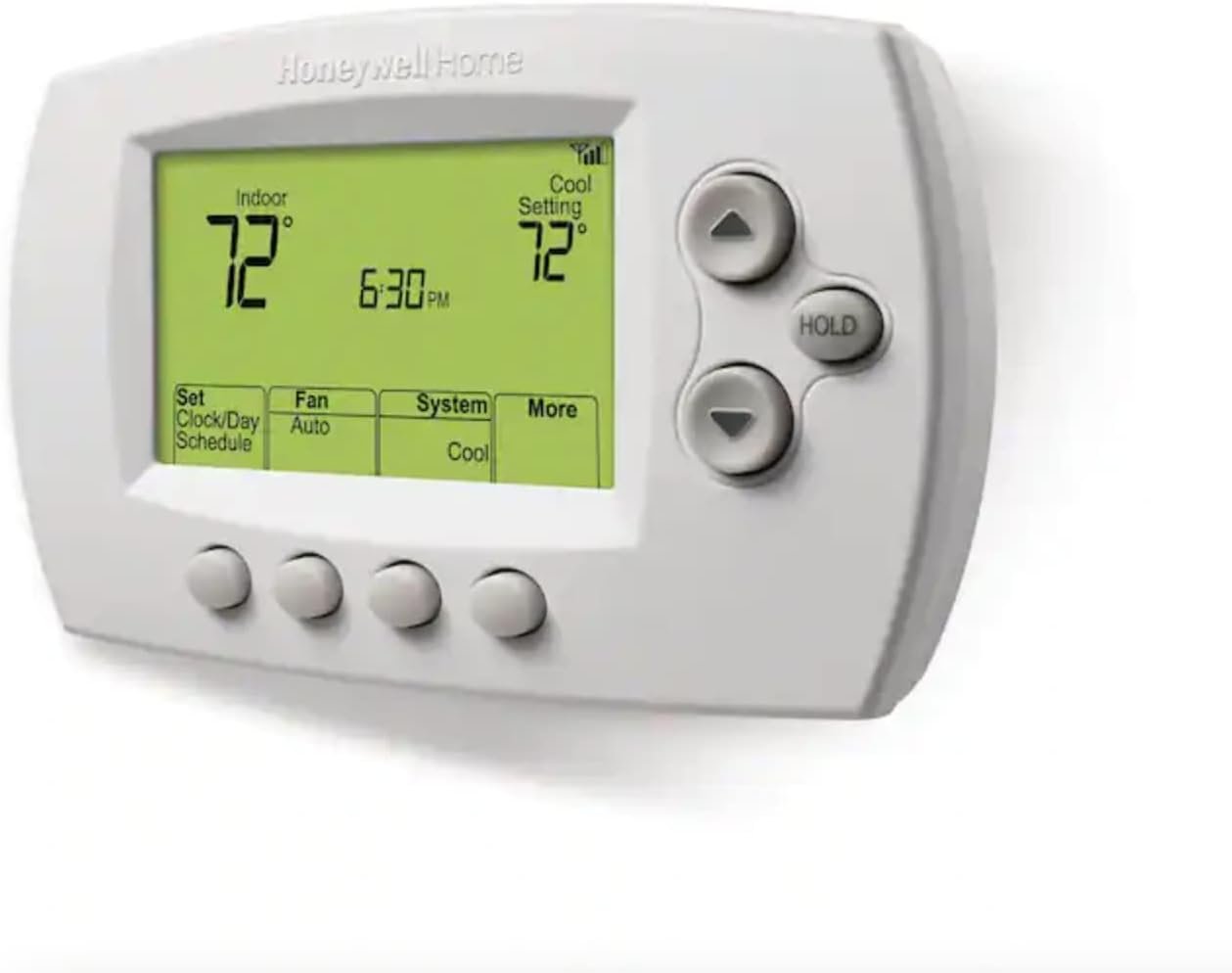
Honeywell Home RTH6580WF Wi-Fi 7-Day Programmable Thermostat, White
$111.98
Related Products
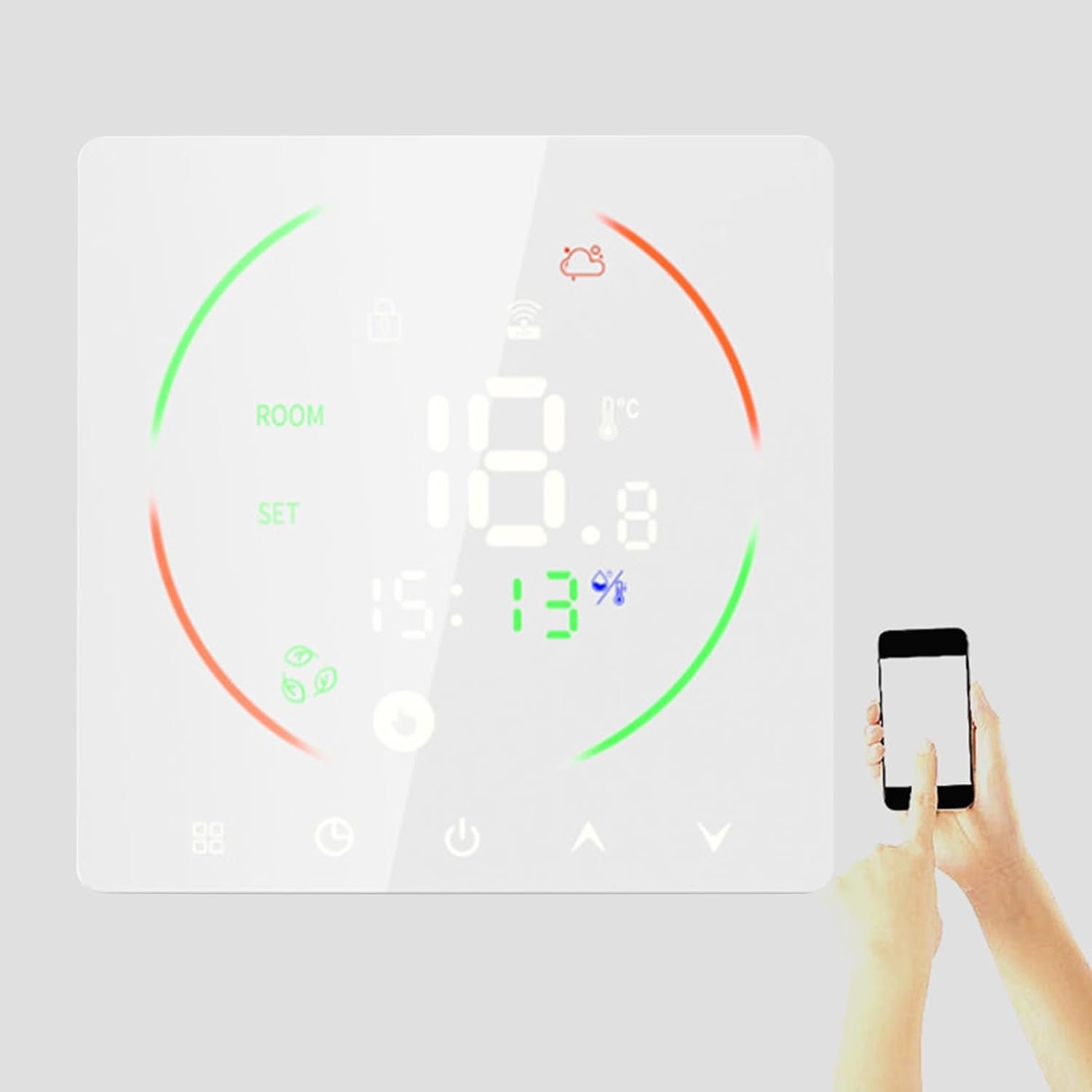
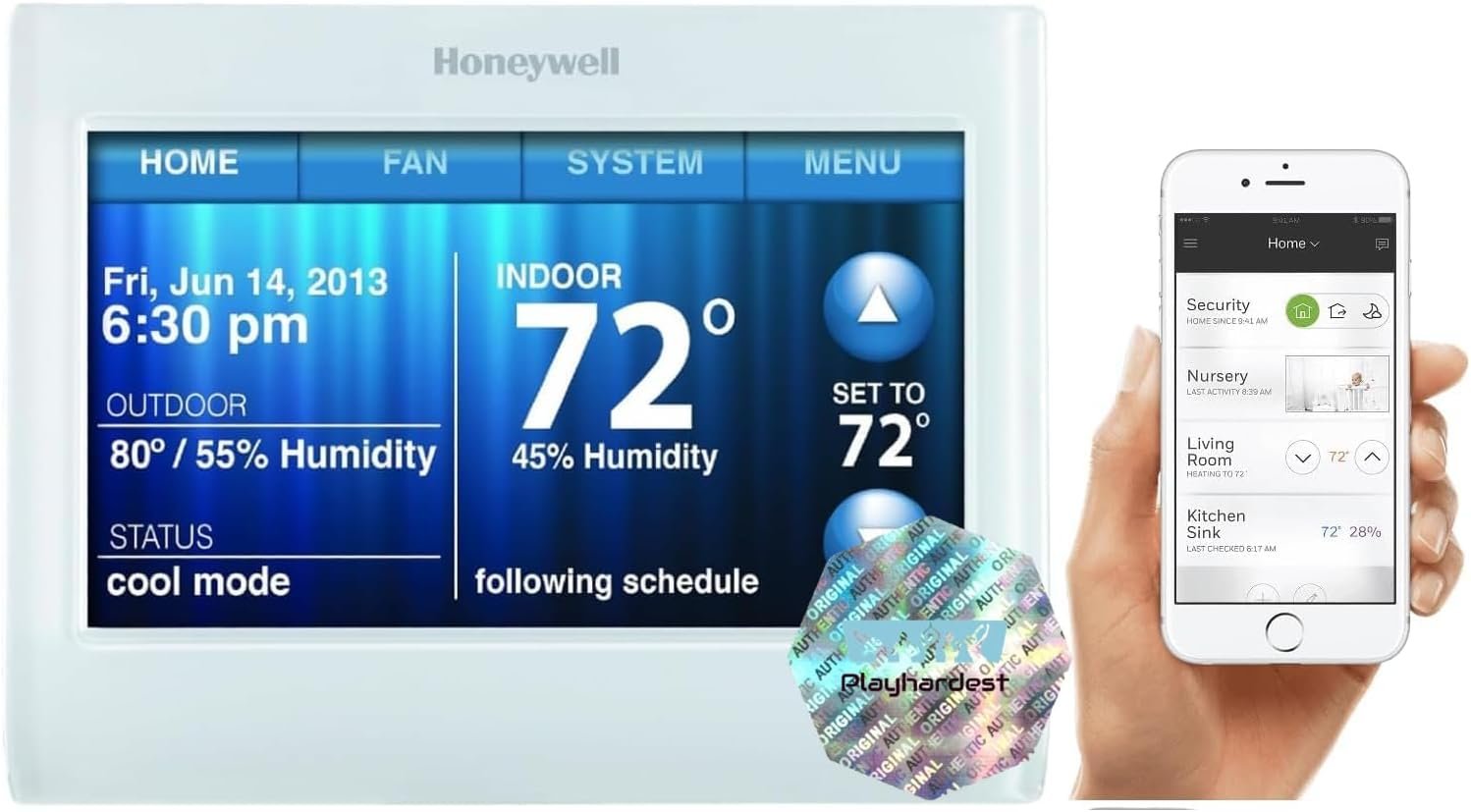
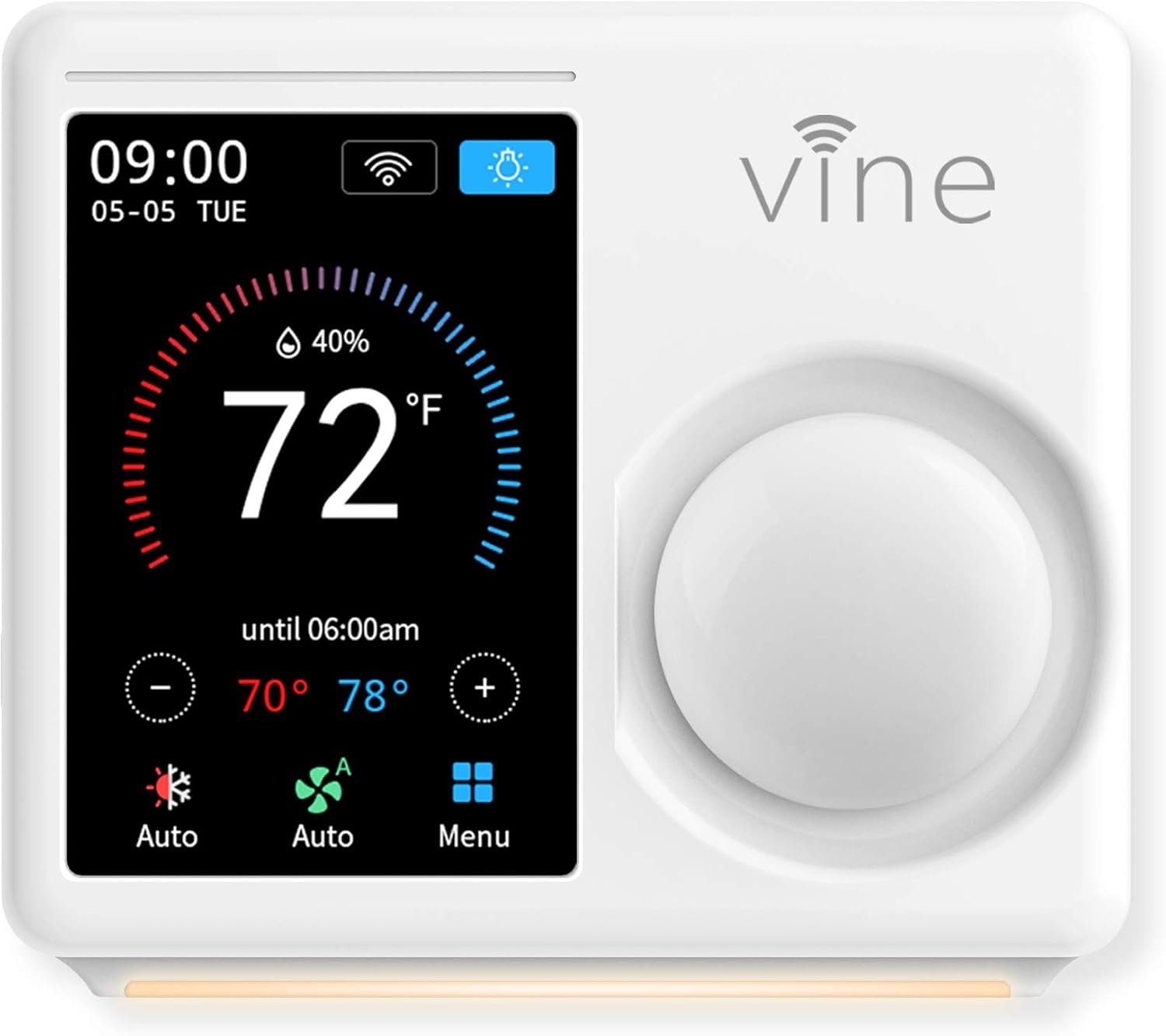
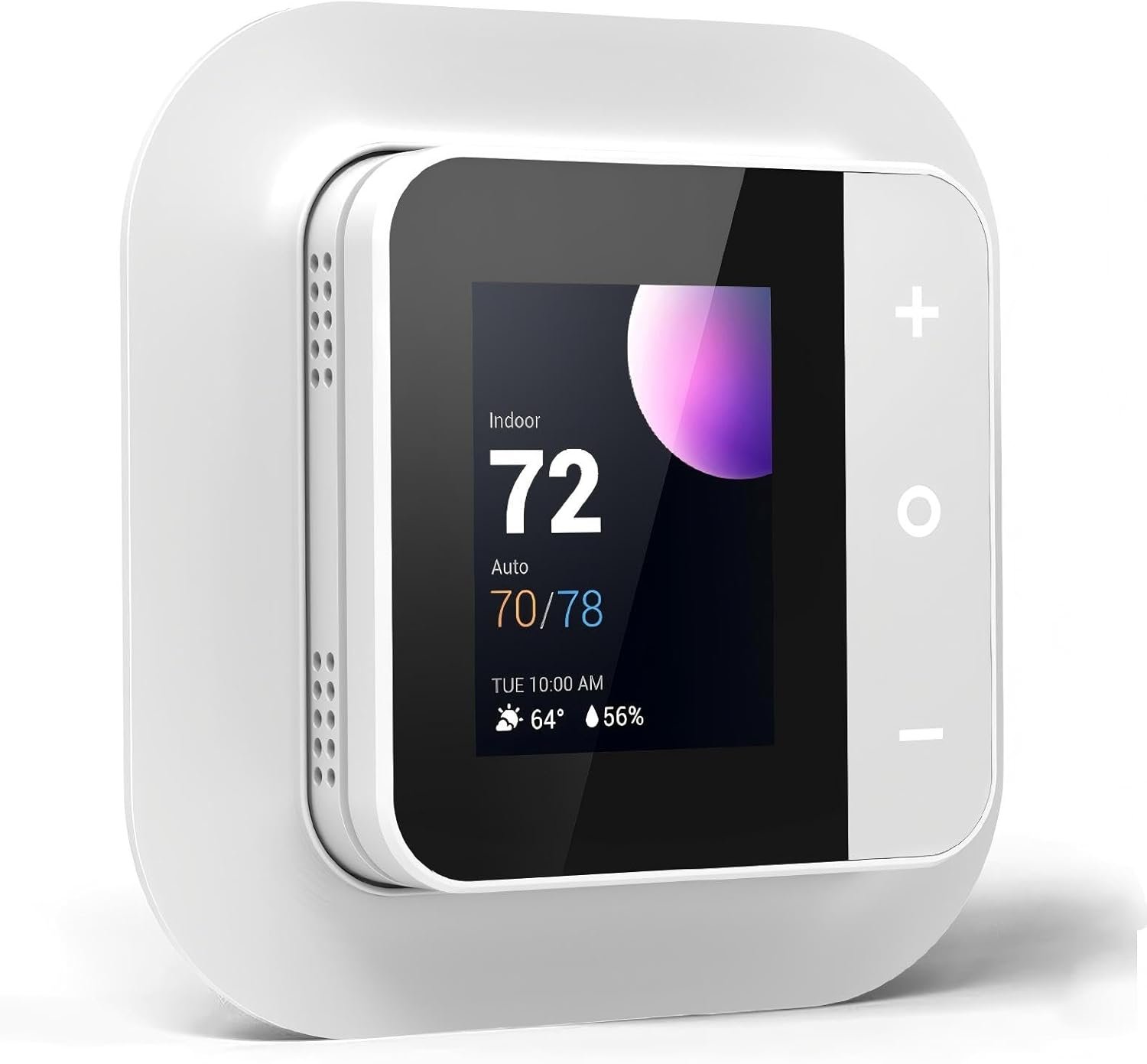
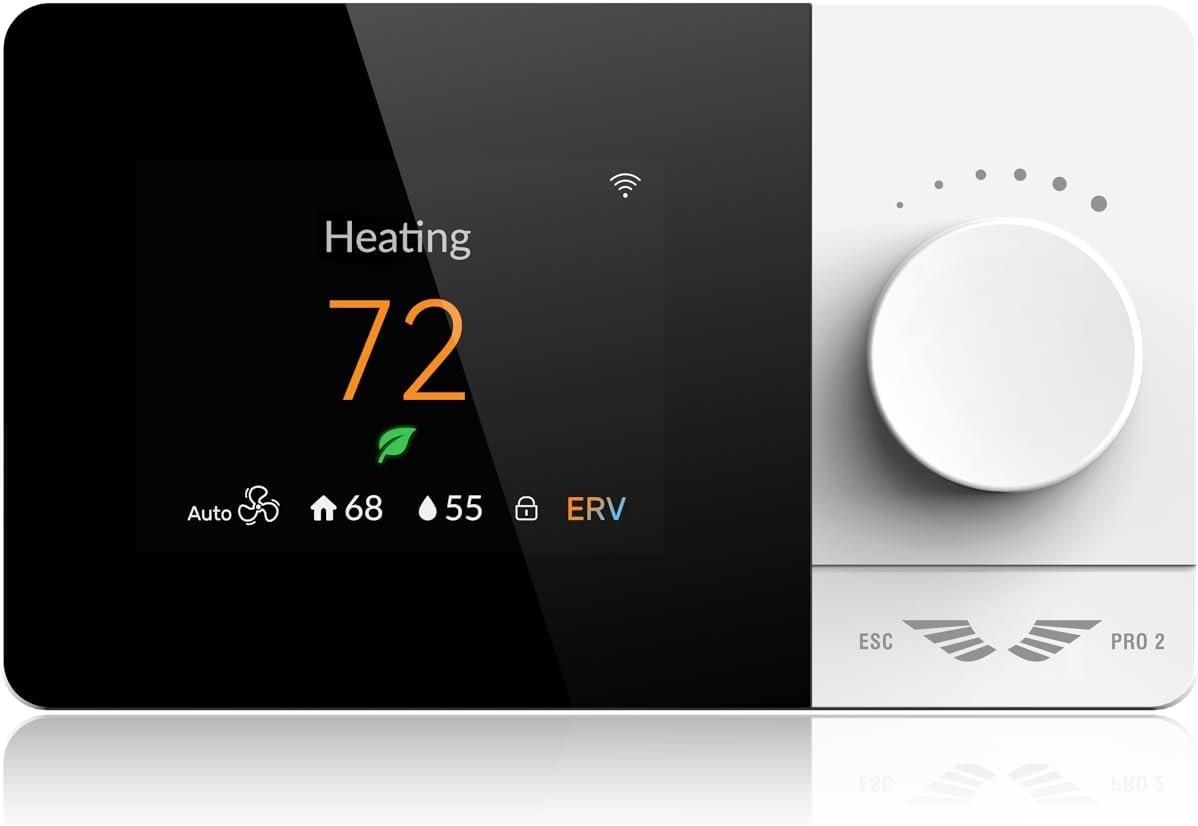

You have your own schedule and routine, and it doesn’t always align with your thermostat. When you’re on the go, you can still check, adjust and program your RTH6580WF WiFi 7-Day Programmable Thermostat from your smartphone. Connected to your home’s existing WiFi connection, this digital thermostat gives you remote access from any WiFi-enabled device. Download the free app to your smartphone or tablet for virtual access to your thermostat. From your connected device, you can program – or reprogram – on the fly.
EASY-TO-USE-APP. Choose from the Total Connect Comfort app or the Honeywell Home app to control your WiFi thermostat anytime, anywhere.
SMART HOME INTEGRATION. The Wi-Fi 7-Day is compatible with voice assistant devices like Amazon Alexa, Google Assistant, Microsoft Cortana, and more.
SIMPLE INSTALL FOR A DIY PROJECT. The Wi-Fi 7-Day Programmable Thermostat is easy to configure and install yourself.
ENERGY STAR CERTIFIED. Honeywell Home Wi-Fi thermostats are energy-efficient without sacrificing performance.
EASY OPERATION AND INTUITIVE. Big, backlit digital display and easy controls make for a user-friendly experience.
COMPATIBLE WITH: Forced air (gas, oil or electric), hot water and steam, and heat pumps with electric backup. Does NOT work with electric baseboard heat (120-240V). C-Wire required.
LEARNS YOUR COMFORT LEVELS. Smart Response feature learns your home’s cycles to help deliver the right temperature.
EFFICIENCY AND REWARDS. The Wi-Fi 7-Day works with utility programs across the US to bring you even more savings.
Before purchasing, check to see if this thermostat is compatible with your home and to determine if your home needs a C-wire power adapter.
The thermostat operates between 20-30 VAC, “supplied” to the R/RC terminals and “returning” through the C terminal. A C wire, connected to C on the equipment, is required for the thermostat to power itself.
Anon –
Good Choice, Solid Performance
Bottom Line: The installation was ALMOST effortless, and the performance has been rock solid. I’m very pleased by the unit and would certainly buy it again.I, too, had to unplug the unit once during installation in order for it to complete the temporary wifi connection to my android phone. However, that was the only hiccup. Otherwise, the installation went smoothly. In short order, the wifi link to my WPA2-encrypted router was complete, using a 2.4 GHz channel per instructions. For the past month, I’ve monitored the home remotely to determine if I needed to engage the aux heat strips during unusually cold periods. I currently live 500 miles farther south, and have not yet moved into the home, so remote control of the HVAC was the purpose for the purchase.The thermostat interface is simple and basic, but entirely sufficient. I don’t have to mess with it to see the relevant information; it’s all there on the main display. As a recently retired electronics engineer, I have an extreme distrust of new technology, because most companies chase the easily-wowed but ignorant masses with pretty bells and whistles at the expense of design maturity and reliability. To a former design engineer for the military, this is a frustrating trend. Similarly, I cannot abide the intrusiveness and privacy concerns over voice-activated devices monitored by Amazon and/or Google (or whomever). You can do all that lazy nonsense with this thermostat, but I don’t want or need it. I want and need rock-solid internet connectivity and sufficient remote control for when I’m in a different state and I’m worried that the heat pump won’t be able to pull enough heat out of the air to warm the house. And in this scenario, Honeywell delivers.As with all purchases, particularly electronics, there is a risk of buying a lemon or experiencing infant mortality with one or more electronic components. Fortunately for me, I saw no evidence of quality concerns with the device. It appeared well-made, competently assembled, and sufficiently documented. I do urge people to follow the instructions carefully and slowly. I suspect I moved too quickly, possibly doing steps out of order, which may have caused my wifi hiccup. Either way, it was easily corrected with the power cycle and more carefully following the instructions.I have no issues with the phone app. It works fine and allows me to do everything I want to do. It’s streamlined, effective, and reliable. Surprisingly, it doesn’t annoy with poor design details or irrelevant BS. (Not looking to be entertained by my thermostat. I just want the bloody thing to work and do what I tell it to do, when I tell it, without becoming a new and contrary personality in my life.) In this regard, the app has been a pleasant surprise.In summary, if you are looking for a solid performer and you value reliability over gee-whiz style and the latest marketing fad, then consider the Honeywell RTH6580WF. It’s a very good value, delivering full performance at a much lower cost than most alternatives. Consider repurposing all that saved money towards something of greater life impact than a “stylish” thermostat. Good luck.
AddictedToAmazon –
Great smart thermostat, here’s my experience since May 2022
I purchased this in May of 2022, and posted this review in December of 2022 after 7 months of use.I had been considering various smart thermostats off and on for well over a year and finally decided to go with this one, and I am glad that I did. I bought two of them, one for each zone.The installation was as easy as it gets and took about five minutes per thermostat. Didn’t even need to read the instructions, just turned off the circuit that powers the furnace so that the old thermostat lost its 24V power source (verified by the thermostat losing power on the display). Pulled the thermostat off of its mount, took pictures of the wiring for reference, unscrewed the five wires and the old mounting plate, screwed in the new mounting plate (the screw holes perfectly aligned for both the old and new Honeywell units), reattached the five wires in their appropriate slots, turned the power back on to the furnace circuit and everything worked perfectly.The next step was to setup the new smart thermostat for WiFi, and this took a little bit longer because the process can be finicky. You have to remove the thermostat from its mount for about ten seconds and then put it back in, this helps initiate/restart the WiFi setup process. Then quickly go to your wireless device and join the new thermostat network. Then in my case, I had to manually open a browser tab to http://192.168.1.1 to complete the WiFi setup. If you don’t see the new thermostat network or if that network address for it doesn’t open up, then you will need to remove the unit from the mount for 10 seconds and then put it back in and repeat the process. A list of WiFi networks should open up on the above noted address, and from there you can join your 2.4Ghz WiFi network.Once WiFi setup is complete, install the Total Connect Comfort app and create an account. You will then need to register your new thermostat(s), all you need is that piece of paper from the box that says the MAC ID and MAC CRC. Once the new thermostat is registered, you will be able to control your thermostat from anywhere with any device.Total Comfort Connect has an app and a web portal that allow you to access, configure and adjust your thermostats. The web portal gives you more options, for example, I could not find an option to remove a thermostat on the app, but you can on the web portal. So if you can’t find what you’re looking for in the app, check out the web interface.While this device gets ~70% 5 star ratings, the other ~30% appear to be largely related to improper installation and/or frustration associated with the installation. The instruction PDF for this unit is 140 pages and could easily overwhelm most people. I have condensed the process into this short review as it related to my install, which was switching from an older Honeywell thermostat to this newer smart thermostat. Note that I already had the ‘C’ common wire and this was a simple replacement as everything I needed was already in place.Honeywell does log your thermostat settings and usage of your HVAC system and send monthly reports to the email where you registered the thermostat account. They probably sell this information without your personal identifying information. For example, in this report they compare your current month’s usage to the prior month. This includes how many hours you used the A/C and Heat, and how many hours they were off, as well as the average thermostat temperature settings for your home and away schedules. Some people will be opposed to this as a matter of privacy, so beware if that’s you that this is what you should expect. I am big on privacy, but I am not bothered by this enough to refuse to use the product and I will still recommend it to others.I hope this review helps others make their decisions to use or not use this thermostat. My family is very happy with it, and we have so far had no problems or complaints. If this changes, you can rest assured that this review will be updated to reflect that.I like that this new unit is not a touch screen, so there are no smudges, and the screen is much clearer than the old unit. It is really nice to be able to control the HVAC system remotely, to easily setup a schedule, and to easily make adjustments from the app.Stay warm/cool!
Eduardo Acosta Rojas –
Me ayuda a ahorrar energía porque puedo programar toda la semana el cambio de ajuste de temperatura o apagado del equipo y así, si se me olvida apagarlo lo hago a distancia y si mi rutina permanece el equipo arranca cuando lo necesito y se apaga cuando no estoy.
R I. –
This (RTH6580WF ) is a simple yet functional wifi thermostat. . The display is large enough to read. and a decent backlight. More buttons than you need and a decent layout. It just works.The install was straight forward (turns out I had a c-wire and didn’t need the adapter). The basic settings worked out of the box for our hvac. The wifi function was very easy to setup – I even had to go back and connect it to a different network, which was also very friendly and easy to do. The “advanced” thermostat settings are easy to access and alter (these can only be done via the physical device, not remotely).I prefer programming the temperature settings via the Total Comfort web interface or phone application, but also totally straight forward to do on the thermostat itself.Total Comfort is basic and works well. Ecobee offers a more graphical representation of the settings as well as yearly historical usage, which to me allows for a better feel for how my house is set compared to TC’s. I do think TC is easier to use than Ecobee’s it’s just a no frills bit of software that ..gets the job done well.
Rashed Hassan alsakhawi –
Not easy to use also the application not work in UAE
Linz –
Good quality Honeywell Controller
acheo –
non utilizzabile in Italia