
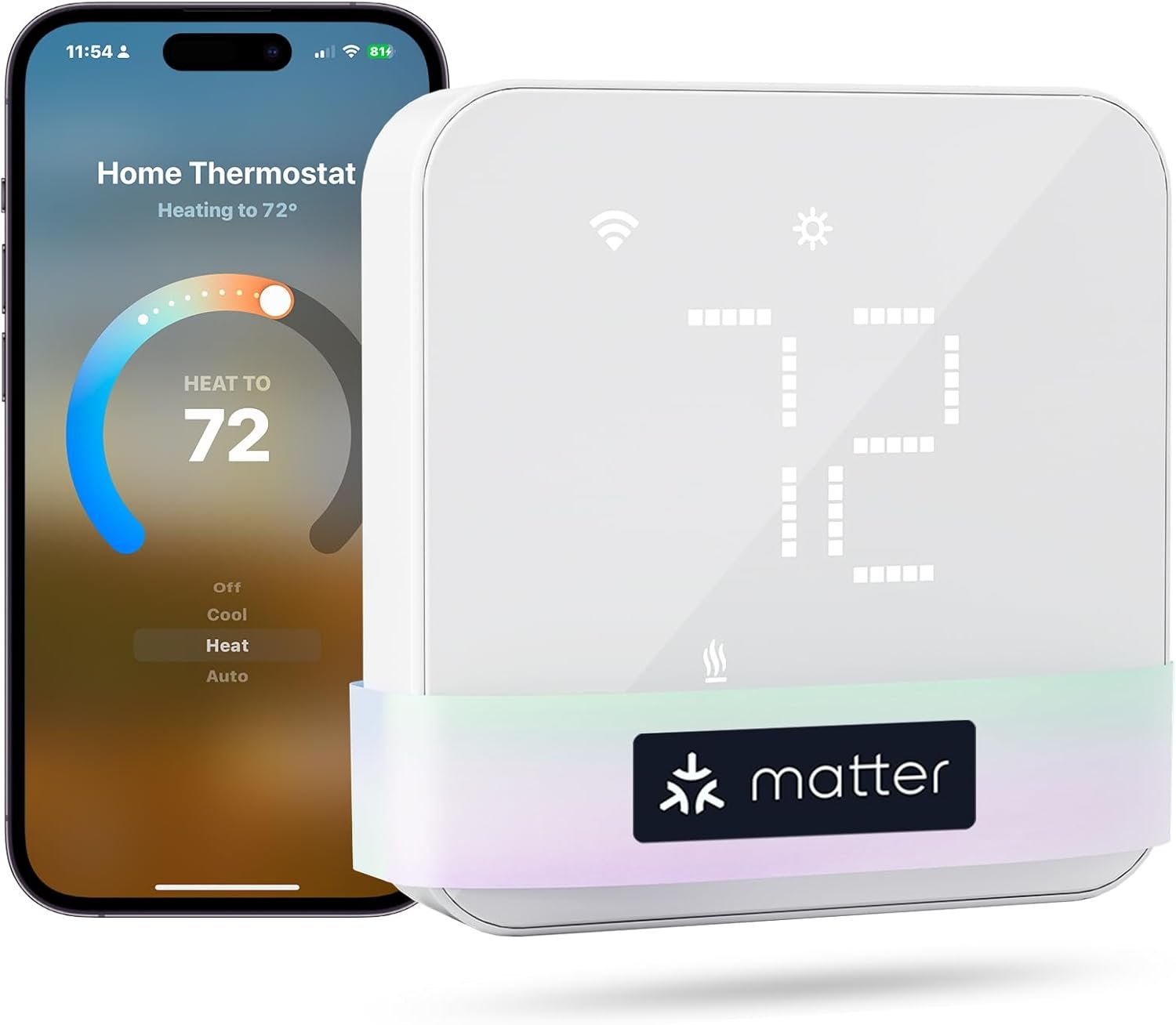
meross Smart Thermostat for Home, WiFi Thermostat Works with Matter, Alexa, Apple Home, Google Assistant, App & Voice Control, 7x24h Scheduling, Energy Saving, C-Wire Required
$59.99
Related Products
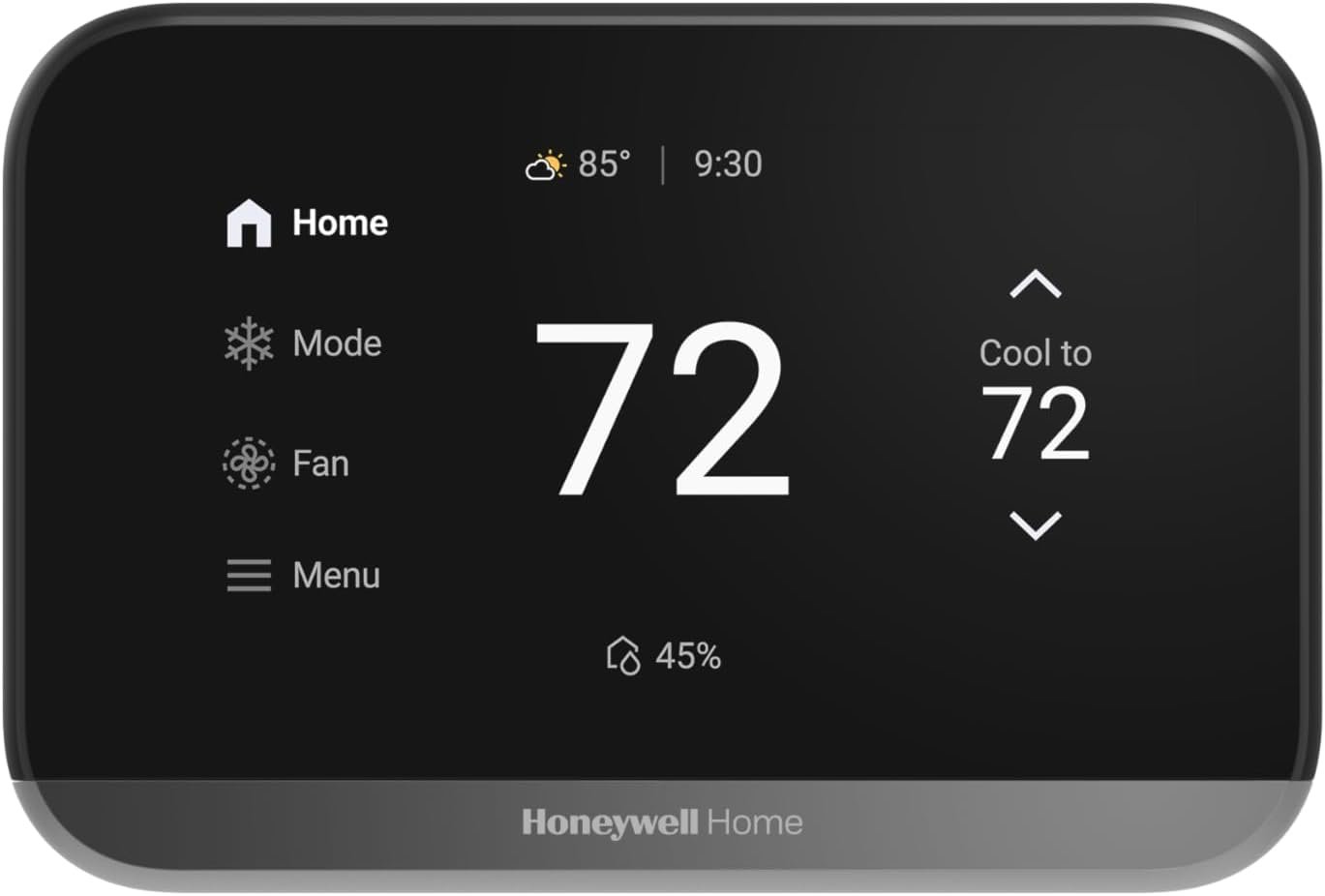
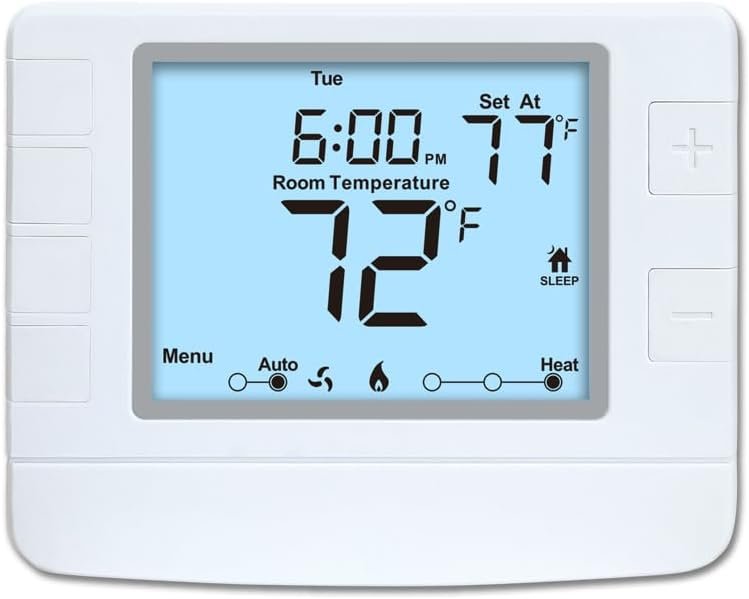
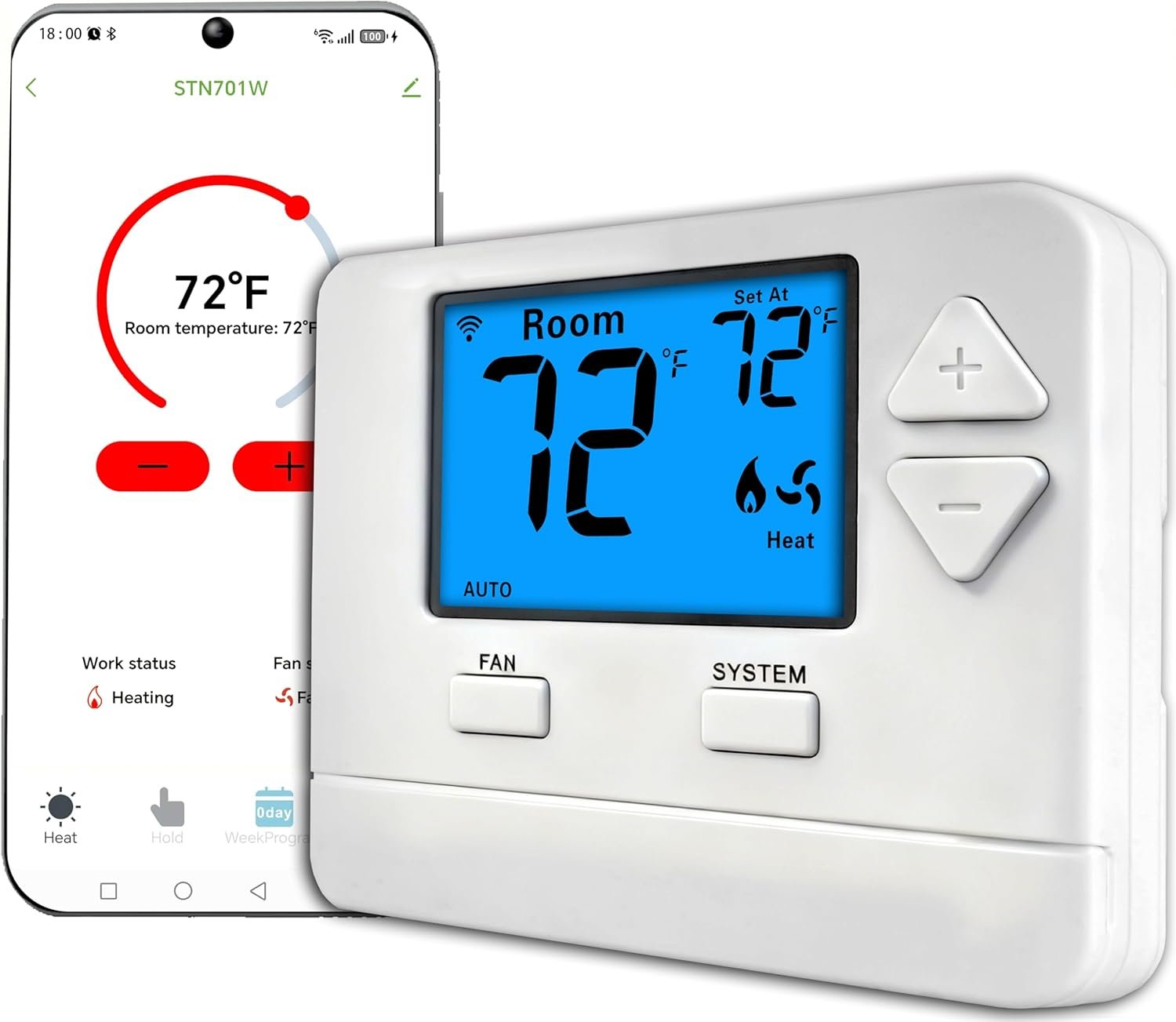
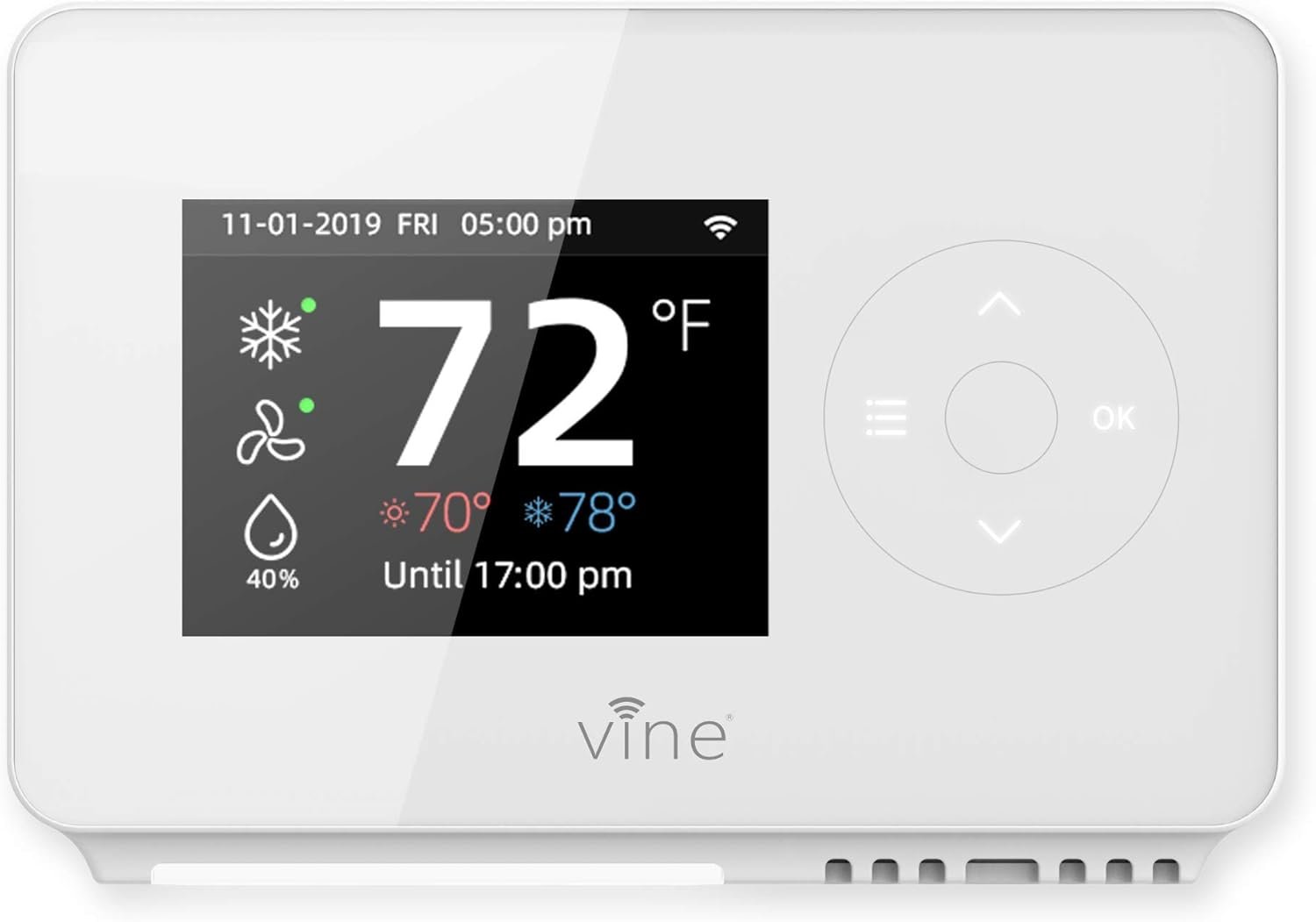
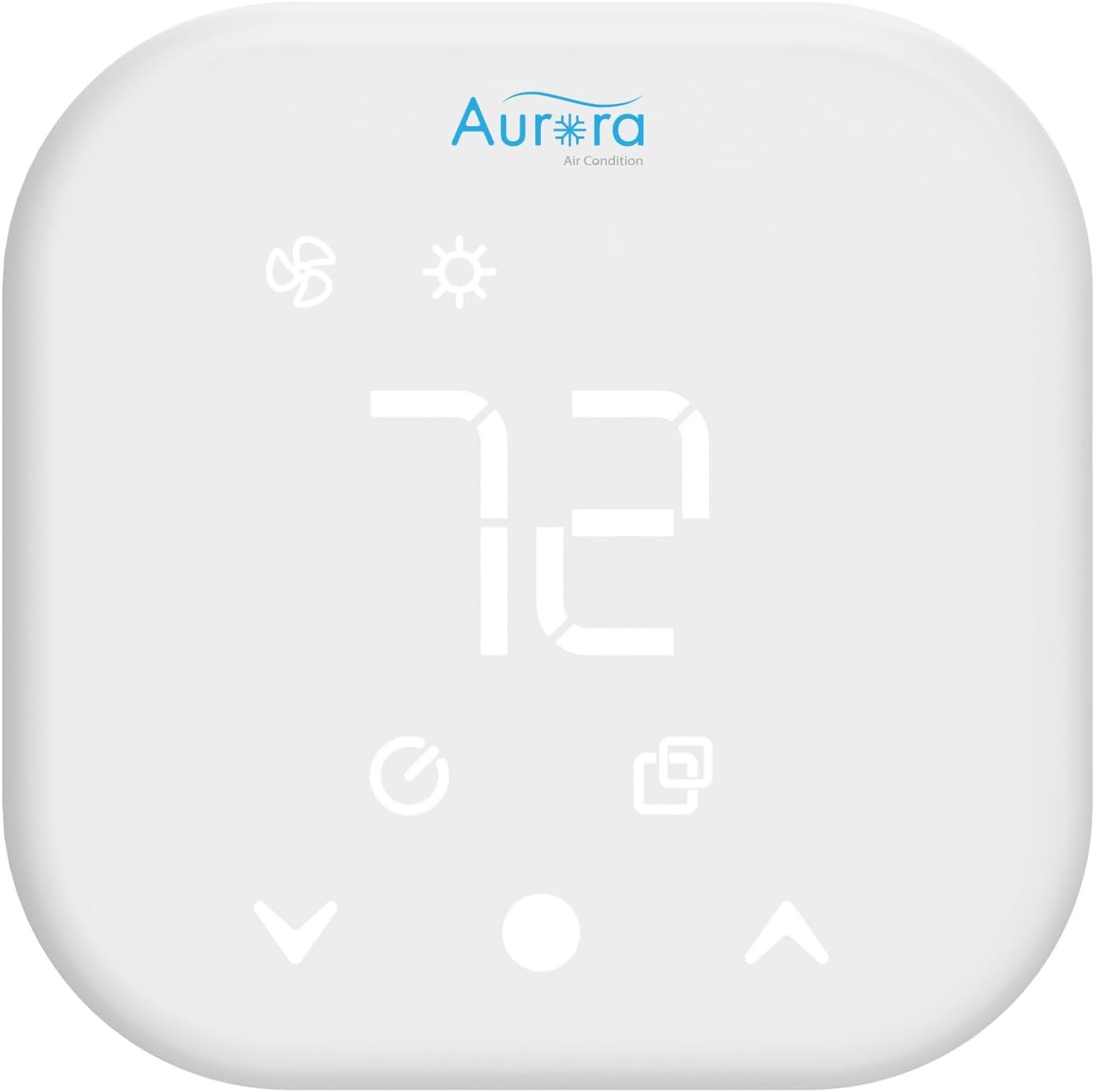
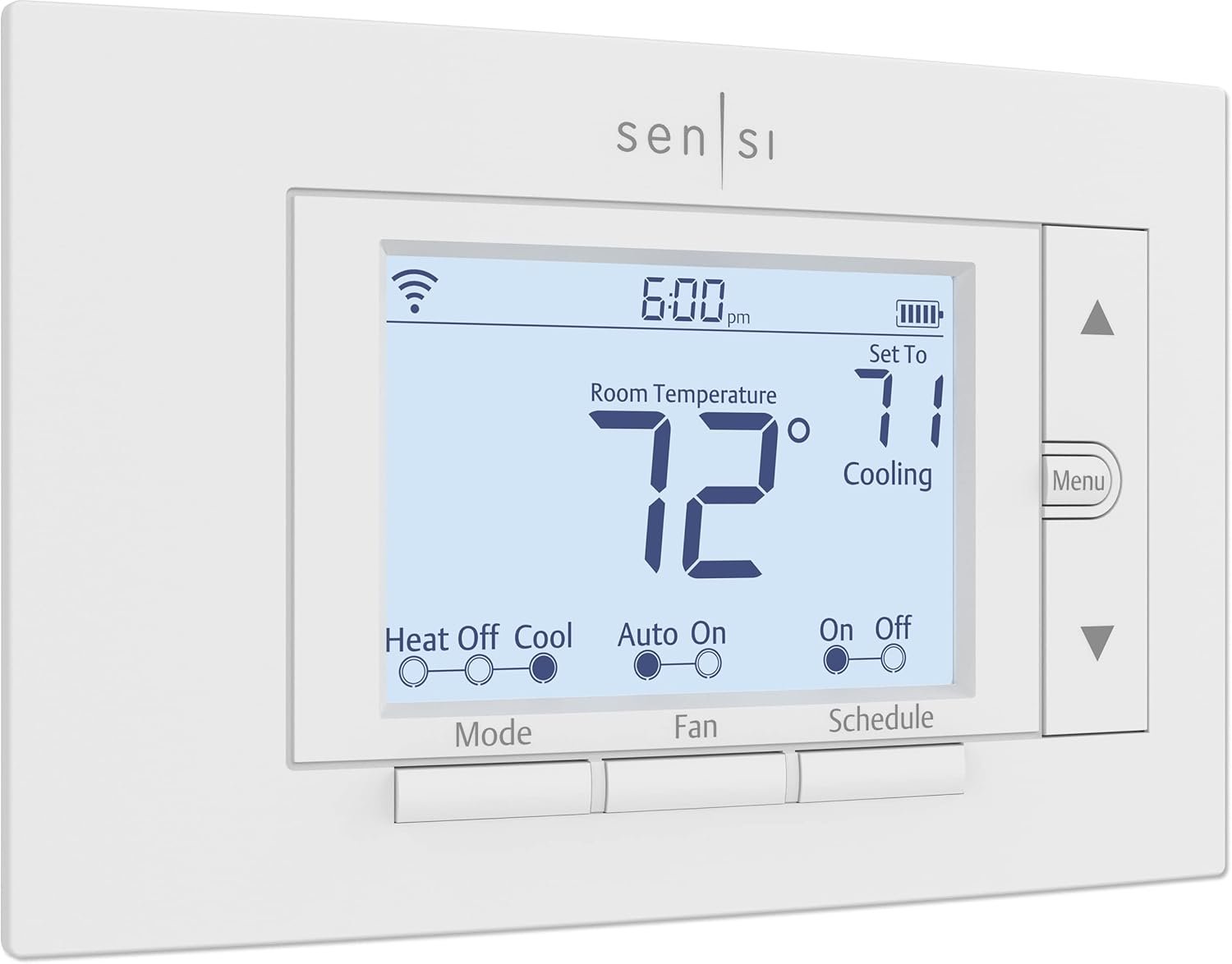





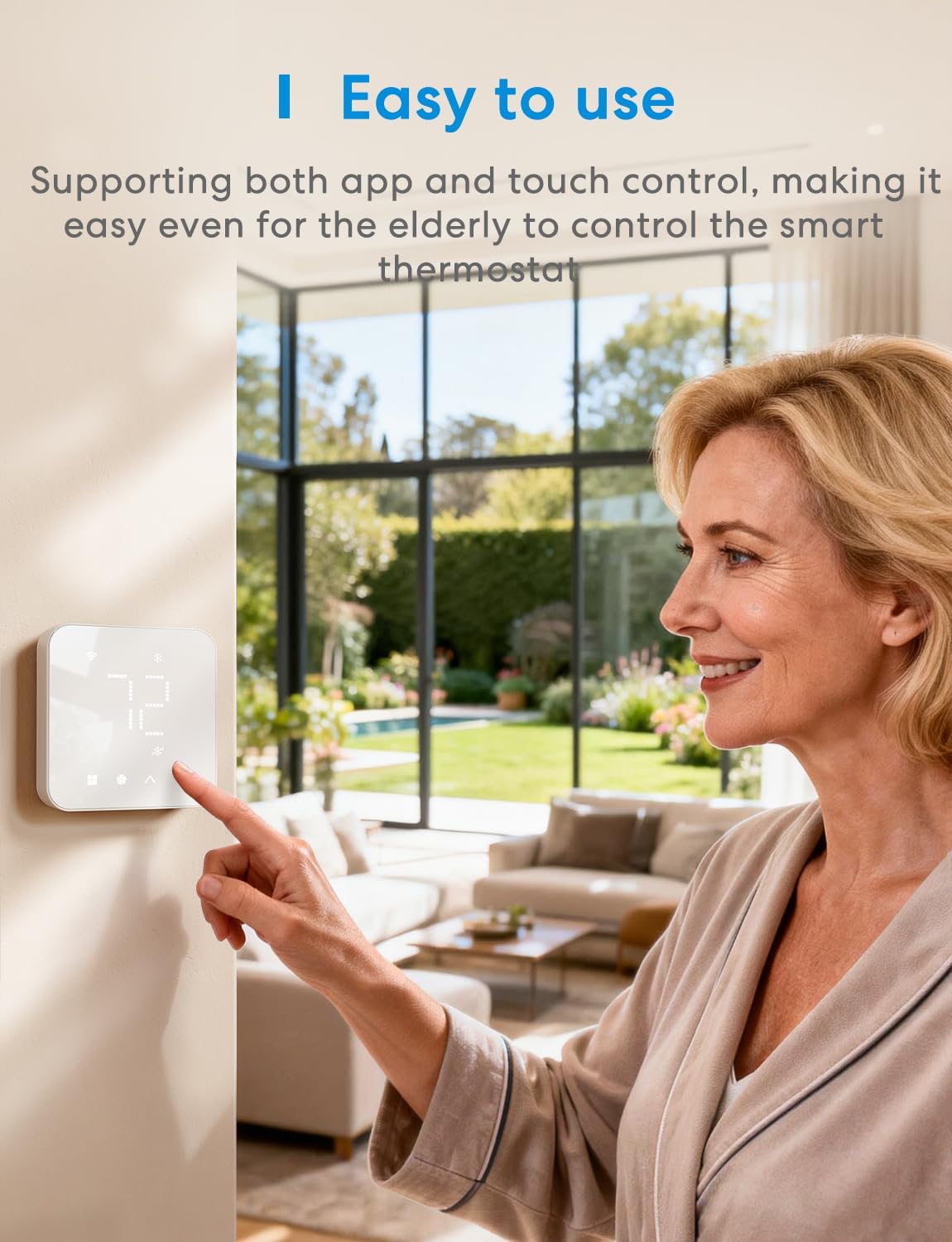

Product description


This smart thermostat only supports 2.4GHz Wi-Fi networks


 What is a c wire adaptor?
A C-Wire (Common Wire) supplies power to thermostats by connecting them to your HVAC system


1 Compatibility Check
2 C Wire Adaptor
3 Incompatible Systems
4 Professional Support Team
Explore More Meross Smart Devices
Add to Cart
Add to Cart
Add to Cart
Add to Cart
Add to Cart
Add to Cart
Add to Cart
Customer Reviews
4.1 out of 5 stars 780
4.4 out of 5 stars 17
4.0 out of 5 stars 2
4.4 out of 5 stars 119
4.3 out of 5 stars 54
4.7 out of 5 stars 28
4.4 out of 5 stars 4,736
Price
$59.99$59.99
$89.99$89.99
$65.99$65.99
$63.99$63.99
$23.99$23.99
$159.99$159.99
$28.98$28.98
Compatible Devices
24V HVAC systems
/
/
/
24V HVAC systems
Works with most US homes
/
Not Compatible
Baseboard Heater
/
/
/
Baseboard Heater
/
/
Not Compatible
Millivolt Heating
/
/
/
Millivolt Heating
/
/
Not Compatible
R,W/R,G,W
/
/
/
R,W/R,G,W
/
/
Works with
Matter/Alexa/Google/SmartThing
HomeKit/Alexa/Google
/
Alexa/Google/SmartThing
/
/
HomeKit/Alexa/Google
Works with sensor
MS130H
/
/
/
/
/
/
Adjustable Screen Brightness
✔
✘
✘
✘
✘
✘
✘
I have R, W, Y, G, C wires, is this compatible with this smart thermostat?
Yes, the smart thermostat is fully compatible with your system if your current wiring configuration matches any of the following: R, W, C; R, W, G, C; R, W, Y, G, C; R, O/B, Y, G, C; or R, O/B, Y, G, W (AUX), C-wire adapter not required
I have R, W, Y, G wires. Is it compatible? Do I need a C-wire adapter?
Yes, the smart WiFi thermostat is compatible; however, a C-wire adapter is required for wiring configurations including R, W, Y, G; R, O/B, Y, G; or R, O/B, Y, G, W (AUX)
Why is my smart thermostat screen blank or no power?
Pleae Verify R/C Wire Connections:Check that R (Red) and C (Common) wires are securely inserted at both the thermostat and HVAC control board. The C wire must be connected to the “C” terminal at the furnace.
Why is my heat pump heating when it should be cooling, and cooling when it should be heating?
This issue is likely caused by an incorrect setting for the reversing valve. You can fix this in the Meross app by going to: Meross app > Device Settings > Advanced > Installation Settings > HVAC Equipment > O/B Reversing Valve Type.
I have installed the wifi thermostat but it is not working. What should I do?
The issue may be caused by incorrect wiring or the need for an additional C-wire. For accurate diagnosis and resolution, please contact our technical support team via phone or email to verify your wiring configuration and system compatibility.
Before You Buy: Meross smart thermostat for home is suitable for 95% of HVAC systems, including heat pump, air conditioner, furnace, boiler, dehumidifier, humidifier. Not suitable for 110V/120V/240V electric baseboard heaters, millivolt thermostat and two wire sysytems. C wire is required for some wiring configurations, please check the compatibility before purchasing
Seamless Matter Integration: This wifi thermostat integrates locally with Matter‑certified platforms such as Apple Home, Amazon Alexa, Google Home, Home assistant and Samsung SmartThings—helping save you time and reduce app overload
Smart Schedule: Set it and forget it! The 24/7 flexible schedule plans allow you to customize your heating and cooling routine, whether you are at home, away, or asleep. Stay comfortable while you’re in, save energy when you’re away. Track and manage your HVAC usage in the meross app to optimize resource conservation and lower your electrical bills .
On-the-Go Control: Easily monitor and control your thermostat for house via smart app at anywhere anytime
Smart Alerts: Stay informed about filter life, system malfunctions, and long-term operation. With meross wifi thermostat, you’ll have peace of mind knowing that your HVAC system is functioning properly and cut down unnessary energy cost
Easy to Install: Set up your smart thermostat by following the step-by-step instructions in the meross app. If you need any help, feel free to reach out to meross customer service by phone, live chat, or email.
Sleek Modern Design: Meross wifi thermostats for home features a sleek glass panel in classic black or white. It Is ideal for any home decor, from minimalist, scandinavian to coastal, farmhouse, industrial, transitional and more
9 reviews for meross Smart Thermostat for Home, WiFi Thermostat Works with Matter, Alexa, Apple Home, Google Assistant, App & Voice Control, 7x24h Scheduling, Energy Saving, C-Wire Required
Add a review
$59.99
Alex –
Simple & It Works.
I’ve been using this thermostat for about a month now and overall I’m very happy with it. Setup was easy and the app is simple to use. It connects reliably to Wi-Fi and makes adjusting the temperature or setting schedules very convenient. It works with HomeKit but you need their app to setup first or change settings later. In HomeKit you can only adjust temp or turn fan on or off.I’m using it with a heat pump and an alternative gas heater, and it works well with both.The only thing I’d like to see improved is showing the outdoor temperature on the thermostat to see at glance when passing by.Overall, it’s a great smart thermostat for the price. 👍
Jose Jutte –
Google bricked my Nest, so I switched and I’m glad I did
Google decided to stop allowing my Nest thermostat to work, and I wasn’t about to give my hard earned money to a company that would screw customers and brick a perfectly functional device.I’ve had good luck with Meross products in the past, including a garage door smart adapter that I love and have taken with me from home to home without any issues. So when I started looking for a replacement thermostat, I decided to give this one a try.For reference, I have an air conditioner with a heat pump and a resistive electric furnace for backup. Since it’s cold where I am right now, I haven’t needed to run the A/C for any length of time yet, but I did test it briefly just to confirm compatibility. It switched between cooling, heat pump, and emergency heat modes without any issues at all.Installation was straightforward and the instructions were surprisingly helpful, as was the setup in the app. Just make sure you have a C-wire. The software is smooth and much easier to navigate than Google’s ever was. It just connected to the WiFi and started working.The Meross app is well designed. You can do everything my Nest could do and more, and I didn’t notice any lag at all. It just works exactly how you’d expect. It also integrates perfectly with my Amazon Alexa smart home setup and my Google Home devices, so I can change the temperature or mode using only my voice whether I’m home or away.I’m really happy with how this thermostat performs, especially for a fraction of the price of what I originally paid for my Nest, which now sits as a brick thanks to Google’s greed.So if you’re fed up with anti consumer actions from the likes of Google, and want a reliable, straightforward, and well built smart thermostat that simply works, give this one a try. I highly recommend it.
Jared A –
Great design and value
This is my second Meross smart thermostat. They’re extremely easy to install and connect to your Meross account. I like the design and the temperature indicator that you can see on the device once it’s up and running. The controls in the app seem intuitive, however, I have had some issues between the device running according to a schedule or according to a temporary hold. It’s probably just a small learning curve to make sure I understand the particular settings and using them correctly. For me, the design, functionality, app integration, and price make the Meross smart thermostat an obvious buy compared to other thermostats on the market.
Joshua Bloom –
Another easy-to-setup smart device from meross that isn’t fussy and just works!
Okay, so I just got my meross smart thermostat set up a few days ago and I’m loving it so far.First off (and I know this is not the most important feature by any means!), this thermostat looks super sleek on the wall, almost like an app icon with the square look and rounded edges. You can adjust the brightness of the white LEDs too when it’s in standby mode, depending on how much light is in the room where it’s installed. For me, this is important because there’s a lot of natural light in the room and the default brightness setting in standby mode was not quite bright enough, because I like to see the temperature from afar. Like I said though, this is adjustable in the meross app and easy to configure so not an issue at all.The next thing I feel compelled to mention is how easy the installation and setup was. What makes it easy is that you can follow a step-by-step guide in the meross app and just click the “next” button each time you complete a step, which brings you to the next page of instructions. But there’s also a video on meross’ YouTube page that gives you a visual of the entire installation process so you can fall back to that if something doesn’t make sense in the written instructions, or to just give you an overview of the process before you start. The biggest help to me, though, was meross’ customer support. I wasn’t sure if my HVAC system was compatible with this device, so I reached out to them over email with a picture of my existing thermostat and wiring and not only did they confirm that it was compatible, but they even sent me a custom diagram of how my wires should connect to the meross thermostat (see photo attached). They even put a red circle around one particular wire that could potentially prove troublesome because it was labeled PEK on my system but should be plugged into the Y port on the meross thermostat. This truly made setup a breeze and saved me time and frustration. All in all, the whole thing took about 30 minutes to install, test out, and customize settings.A couple of other really nice features that I didn’t have on my previous thermostat:- A child lock feature so my kids can’t push the buttons on the physical device and turn our house into a meat locker.- An app that controls EVERYTHING having to do with the thermostat. On my previous thermostat, many of the advanced settings could only be configured on the actual device by navigating through a ton of menus on a little screen. With this thermostat, however, you can customize thresholds and temperature offset and a whole host of other settings right from within the app, which is much appreciated.Overall, a sleek looking device with a ton of smart features for smart home enthusiasts, and it’s compatible with whichever smart home system you rely on—in my case, Apple HomeKit.
Sree –
I have been using the Nest thermostat for years. It worked fine at first but over 3 years recently it became a problem. Mine died after about three years and it was frustrating and no more support from nest. It also felt too complicated. It had many settings that I never used so decided to change to something differnt and that’s how I came across meross.I decided to try this new mirror style thermostat and the difference surprised me. The setup was simple. The display is clear and easy to read. It looks clean on the wall and feels modern. I learned how to use it in minutes. There are no confusing menus or extra features that get in the way.I have been using it for about two weeks now and it has been great. The learning mode works better than what I had before. My HVAC runs smoother and the on and off cycles feel more controlled. I can see that it is using less energy too. The temperature stays steady and the house feels more comfortable.The app is easy to use. It connects without issues. It works with HomeKit and Alexa with no trouble. The schedule setup is simple and helps save energy. I also like that it does not require a subscription to unlock features.After dealing with a dead Nest, this feels like a huge upgrade. I wish I should have bought it on Black Friday but can’t make my home into an igloo without a thermostat. But I am happy purchase and its is solid and that too from reliable Brand like Meross. It does exactly what I need at a fair price. If you want a smart thermostat that works well without the extra gimmicks, this one is a great choice.
Kindle Customer –
I am absolutely thrilled with my purchase of the Meross Smart Thermostat. From installation to daily use, this device has exceeded all my expectations, making it one of the best smart home upgrades I’ve made this year.Effortless Installation & Setup:The process of setting up the Meross was incredibly straightforward. The instructions were clear, and I had the old thermostat swapped out and the Meross unit installed in under 20 minutes. Connecting it to my home Wi-Fi and the Meross app was quick and painless.Simple and Effective Operation:The physical design is sleek and modern, and the interface is intuitive to use right on the wall. However, the real magic is in the app. Being able to effortlessly set schedules, adjust the temperature remotely, or just check the current status from anywhere is a game-changer. The thermostat is highly accurate and maintains the set temperature perfectly.Reliability is Key:I’ve been using this for several weeks now, and I haven’t experienced a single glitch, drop in connectivity, or scheduling error. It just works—easily and effectively—every single time.If you are looking for a reliable, easy-to-use smart thermostat that provides excellent value without unnecessary complications, look no further. Highly, highly recommend the Meross!
Helio2k –
I recently installed the Meross MTS300MA Smart Thermostat for Home with (Matter-compatible) to see if a budget-friendly thermostat can really compete with more established smart models. This unit was gratefully provided by Meross for review.Installation & SetupInstallation was straightforward and quick. As with any thermostat replacement, turning off the power first is essential to avoid damaging your system. The wiring process was simple, though there are a couple of important things to note:• If you have a heat pump system, be aware that terminal labels may differ slightly from other thermostats. Auxiliary heat wiring may be labeled differently, so knowing your HVAC system is important.• The thermostat includes a jumper between RC and RH, and the instructions recommend leaving it in place, even if you only have a single R wire. It’s a slightly unusual design choice, but it works without issue.This thermostat requires a C-wire and supports conventional HVAC systems, heat pumps, and fan coils. It’s a good idea to check compatibility with your system before installing. (Meross Official Store)App & ConnectivityInitial pairing must be completed in the Meross app before adding it to platforms like Apple Home. Once configured in the native app, Matter pairing over Wi-Fi worked smoothly across multiple ecosystems.I connected it to:• Apple Home• Home Assistant• Other Matter-compatible platformsStandard controls like mode, temperature, and humidity are accessible through Apple Home. While Apple’s adaptive temperature feature isn’t yet supported, the Meross app includes additional tools like scheduling and external sensor pairing.FeaturesFor a thermostat around this price point, the feature set is impressive:• Custom scheduling• Heating and cooling profiles• Support for external sensors• Child lock• Humidification/dehumidification modes (if your HVAC supports them)These extras make it feel more capable than many other thermostats in the same budget range.PerformancePerformance has been solid. The thermostat is responsive, and changes made from my phone update almost instantly on the display. The screen is smaller and uses a simple LED-style design, which may not feel premium, but it clearly shows all necessary information and functions well.Overall VerdictFor a smart thermostat at this price, the Meross Matter model delivers strong value. While the build quality isn’t premium, the Matter integration, multi-platform compatibility, and feature set make it an excellent budget-friendly option. If it’s compatible with your HVAC system and you’re looking for an affordable smart thermostat, this one is worth considering.
John –
I upgraded from an old, programmable thermostat to this Meross model, and it’s been a fantastic decision. The installation was straightforward, but be aware that you *do* need a C-wire for it to power on. If you have one, it’s a 15-minute job.The setup through the Meross app was incredibly simple, and it connected to my Wi-Fi without any issues. I love that it works with Matter, as I’m trying to make my smart home more universal. It linked up perfectly with my Apple HomeKit, and controlling it with Siri on my phone or through my HomePod works flawlessly.The app itself is very intuitive. I set up a 7-day schedule in minutes to heat the house before I wake up and lower the temperature while I’m at work. It already feels like we’re saving energy. The geofencing feature is a nice touch, as it can automatically adjust the temperature when I leave or come home.For the price, the number of features you get is outstanding. It looks sleek on the wall, the display is clear, and the responsiveness is great. If you’re looking to make your home smarter without spending a fortune, this is the thermostat to buy. Highly recommended.
pe –
This little guy really exceeded my expectations. It offers a right balance between functions and cost. I always want a Wi-Fi thermostat that I can control temperature with my phone, especially in those cold early mornings without leaving bed or when you don’t want to go downstairs to press the button. But I don’t want to pay couple hundred dollars for that. I had good experience with Meross garage door opener, so I want to give this a try. The installation is super easy, it took me 15 mins to replace my old thermostat. I only use it for the furnace to control heat, but it works with different kinds of setups to control both heat and cooling. I like the sleek and simple design, and you can turn off other icons and only show the temperature. The app is plain vanilla and has all the necessary functions, even usage monitoring, and it’s matter compatible so I can use either the app or Alexa to control it. Overall I’m very satisfied with it, I think this is the best option in this price range.