
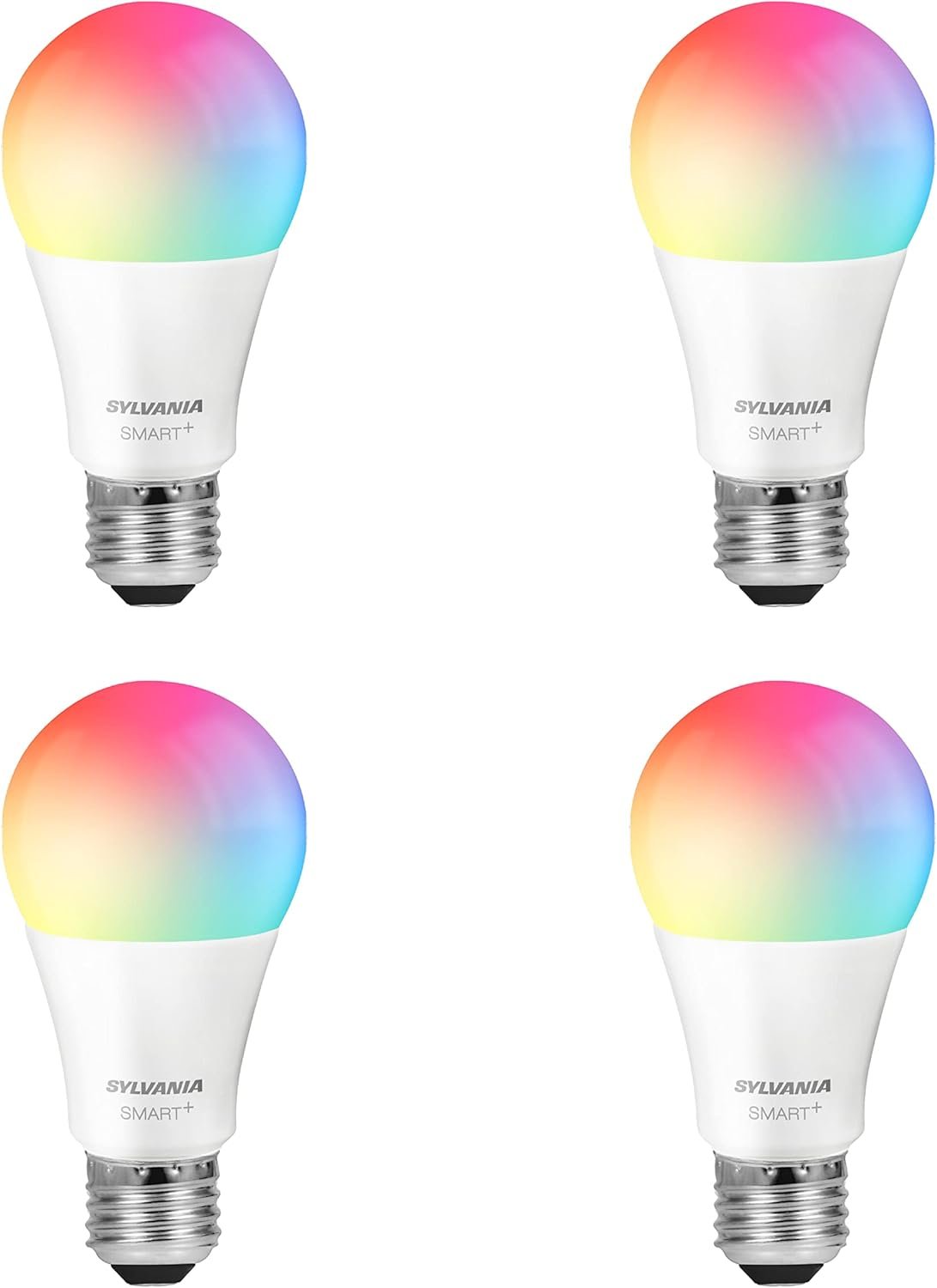
SYLVANIA Wifi LED Smart Light Bulb, 60W Equivalent Full Color and Tunable White A19, Dimmable, Compatible with Alexa and Google Home Only – 4 Pack (75674)
$17.51
Related Products


SYLVANIA SMART+ WiFi products provide dynamic and hands-free home experiences by reimagining lighting with just the sound of your voice – anytime, anywhere. Compatible with Amazon Alexa, Siri Shortcuts, and Google Home, SYLVANIA offers reliable illumination designed to simplify and color your favorite home spaces directly from your smartphone or voice command. With dimmable features, you can customize the brightness to match your mood, an occasion, or the time of day. Use simple commands to turn the lights on and off, dim or brighten, or cover rooms in your favorite color. It’s as easy as, “Alexa, turn the lights to indigo,” or say, “Hey Google, dim the lights to 50%.” With set-up in minutes, use the free SYLVANIA SMART+ WiFi App to begin so you can easily start your home experience via voice control and your smart home assistant. Pick from one of the 16 million colors or tune your white lighting temperatures from soothing soft white to an energetic daylight. Rethink, reimagine, and relive your home experience with SYLVANIA SMART+ lighting.
Voice control works with Alexa, Google Assistant, and Siri Shortcuts
Customize with millions of colors and tunable white (2700K-6500K)
90+ CRI (Color Rendering Index) for accurate, crisp and vibrant color presentation
Easy setup with the (free) SYLVANIA Smart WiFi App
No hub or additional hardware is required
Dimmable with app and voice control
Create timers and routines to automate your smart home lighting setup
Group your lights, customize scenes and control them from anywhere
Must be connected to a 2.4 GHz Wi-Fi network. Not compatible with Apple HomeKit. For indoor use only. Not for use with fully enclosed fixtures
10 reviews for SYLVANIA Wifi LED Smart Light Bulb, 60W Equivalent Full Color and Tunable White A19, Dimmable, Compatible with Alexa and Google Home Only – 4 Pack (75674)
Add a review
$17.51
MC² Actors Studio –
Great bulbs but there is a constant humming
I like this smart bulb overall and it does what I expected in terms of brightness and color options. Setup was fairly straightforward and it connects well to my system without much hassle. The colors are vibrant and it’s nice being able to adjust everything from my phone depending on the mood.That said there is one issue that seems pretty common and I’ve experienced it too which is a constant humming sound when the bulb is on. It’s not extremely loud but it is noticeable especially in a quiet room and can get a bit distracting over time.Aside from that the performance and features are solid for the price point so I still think it’s a decent option. Just be aware of the noise if you’re sensitive to that kind of thing.
retrotinker designs –
Excellent quality
Quality is absolute fantastic. Very easy set up. You just have to look for the right app that is for free. you have to look for a Sylvania free it’s a Wi-Fi set up. It works so simple and easy absolute perfection don’t go for the paid apps. I tried one I did not pay for it. It was like I think $12 a month what I found was absolutely free works perfect.
J. Jennings –
Cheap way to add smart bulbs to your home
I’ve been slowly getting into the smart home for awhile now. I wanted Philips Hue but we all know how expensive those bulbs are. I was browsing bulbs and saw theses bulbs on sale so I decided to order some along with some Treatlife color smart bulbs which are normally around the same price (both bulbs are generally $35 regular price at the time of this review). One thing to immediately note about these bulbs, they have a note on the box and in the instructions saying they are not for use in fully enclosed fixtures so keep that in mind. When I received the bulbs I was impressed with how much they looked like regular bulbs once installed in a fixture. I’ve had CFL bulbs in all of my fixtures for years so it was nice to see the more traditional look in my fixtures again. Setup was easy. As soon as I applied power the bulbs started flashing. I downloaded the Sylvania Smart+ app, signed up for an account and connected to the wifi network I was installing the bulbs on. The app found the bulbs and added them one by one. The whole process took around 15 mins. Subsequent pairing were way shorter since I didn’t have to sign up for an account.I noticed these bulbs mentioned CRI rating so I decided to compare them against another popular cheap smart bulb manufacturer, Treatlife. These bulbs are bright when using regular white light. I couldn’t really tell a difference between these and the Treatlife as they both were bright and had tunable whites.The Sylvania bulbs showed their oomph once I started testing colors. The colors were brighter and more vibrant than the Treatlife bulbs. The difference was really noticeable so if you’re looking for bulbs that are pretty bright when displaying colors then I would go with these bulbs.Connecting with Amazon and Google was a simple process as well. Just search for Sylvania in the respective apps and it should allow you to login and connect to the Sylvania account you created. Once you do that you’ll be able to control the lights via Alexa or Google Home. I was so impressed I ordered 8 more bulbs. But I admittedly came across the problem a few reviewers mentioned. One of the bulbs would always flicker and flash. Initially it started when displaying blue or white. Yellow, red and green displayed fine but over time the problem got worst and worst. The bulb flickered and flashed anytime it was on no matter the color. I ended up putting that bulb in a rarely used lamp just to keep it out of the way. But that’s the only bulb I’ve had problems with out of the 12 I received.Lastly for all my techies, unfortunately this bulb does not interact with the Smart Life or Tuya Smart app. You HAVE to use the Sylvania app. The bulbs use a Tuya chipset but the pairing process always times out on the “cloud” step. The app detects the bulb but can never connect it to the cloud. So if you use Home Assistant, Homebridge etc for local control you will not be able to control these bulbs locally via 3rd party apps. There aren’t even any integrations or add ons available for these bulbs in those platforms. So if you’re trying to get everything into one app unfortunately these bulbs will not allow you to do that unless you use the Alexa app or the Google home app. Any other 3rd party app integration is non existent. That could change in the future but at the moment you’re out of luck.Nonetheless I have enjoyed these bulbs. Easy setup, bright colors, bright regular light and pretty reliable. They are also pretty cheap as most full color smart bulbs cost a little more. I can’t comment on reliability yet as I’ve only had these bulbs for a couple of months now but they are all still working with the exception of the one bulb that flickers/flashes. I do notice that a couple of bulbs occasionally stop responding but a quick power cycle fixes that problem. All in all I recommend these bulbs if you’re looking for a cheap way to add some smart bulbs to your home, especially if you want bright colors without paying $40+ per bulb. If you’re a techie that wants to integrate these bulbs into a third party smart platform other than Amazon or Google then I would look elsewhere.
Haley Gonzalez –
Worth it!
I’ve been using the Sylvania WiFi LED Smart Light Bulb and Sylvania LED Smart Light Bulb A19 Full‑Color 4‑Pack lately, and they offer solid value for smart lighting. Setup and voice control with Alexa or Google Home are straightforward, letting you adjust brightness and colors with ease. The bulbs deliver bright, customizable light and integrate well into routines. However, some models have mixed performance — a few users report connectivity hiccups and inconsistent app control. More reliable connectivity varies by model. Overall, these bulbs are affordable and versatile, but expect occasional frustrations in smart features compared with higher-end brands.
The Masked Avenger –
Perfect and easy. Solved several problems all at once.
I have seen a few reviews saying people couldn’t use these, but they are definitely not following instructions.I do not and will never install a smart speaker (alexa or the google one or any such listening device in my home, including smart TVs.) You do NOT need these invasive devices to use these awesome bulbs.I simply downloaded the Sylvania Wifi app, switched my router from 5Ghz to 2.4Ghz (I’m using an older model router that won’t do both at once) and installed all 4 bulbs without difficulty. For those who are having trouble this is probably the issue. You have to figure out how to log into your router’s settings and put it on 2.4Ghz. If you can’t remember your password, there’s probably a reset procedure where you can remove any password at all and put one in. Do an Internet search for your device’s name or model # and the words “can’t find router password.”The one PITA is that sometimes I need 5Ghz, like for a zoom class. When that happens I’ll have to temporarily either do without my bulbs or turn them on and leave them on until I can go back into my router’s settings and switch back. (Heads-up – not sure if this will work but will edit this review if not. I think it will.)You do not need to give others access to the app for them to use them. They can turn them on and off from the wall switch. Of course if they turn the switch off you need to turn it on again to adjust or control them from the app.I renamed each of them to reflect their locations in my home, set each with the brightness and color I wanted, and there they stay.To repeat; you can turn them on and off with the wall switch or the app. If you turn the wall switch off, you must turn it back on to control its bulb with the app.You don’t have to enter a room to turn these bulbs on! You can turn them on remotely, and I LOVE that.My mid-level landing hallway switch is hard to reach. If I’m coming up or down it can be very dark. Now I can just turn the bulb on with the app and I can see where I’m going.Same in my upstairs studio – I have to go up to turn lights on and often have my hands and arms full, so I just turn the bulb on and I can see where I’m going. I put this one into a floor torchère-style lamp, in the little side reading lamp, and it works just fine. This one took about 5 tries to install, but I just kept doing it and the last try “took.” And now it’s installed and all good.I have one light in my bedroom that I like to have on, but sometimes don’t want to get out of bed to turn off. No problem, now. I do it from the app and stay warm, toasty and sleepy. This one is a clip lamp in just the right place, that’s plugged into an extension cord. No issues there either. Installed on the first try.For the bathroom I have three hi-hats over my sink. The main light in the ceiling is bright enough to take x-rays by, so I rarely use it. I’ve just been putting one 40-watt bulb in the middle socket over the sink and leaving the others empty. Now I can fill the ones on either side, and either have just the one on if it’s late and I don’t want to get all woken up by a bright light, or turn the other two up full brightness and adjust the temperature for optimal makeup application.I can’t answer questions about how long they last because I just put them in this afternoon, but if there are problems I –will– come back right away and let everyone know.
Amazon Customer –
Los compre porque estaban en oferta eran 4 focos por $606. Se me hizo muy justo. Fácil de instalar, con la app de Sylvania Smart Wifi, ya no necesita la skill para vincularse con Alexa, al agregar un foco en la app, te pone el tutoría o el boton para darle Voice Control con Alexa luego abres la app de Alexa y te reconoce los nuevos dispositivos (focos). La luz esta bien, es amarilla y no es blanca, se puede regular desde la app de Alexa y se me hicieron bien, repito por el precio si esta bien.
Darren Atkinson –
Great item and worked as described. Love the variety of settings and brightness available.
David Garca –
Excelente producto y muy fácil de instalar los integre a la app de Google home y funcionan de maravilla tien una gran variedad de colores y el brillo es excelente.
Amy Laity –
This is the second brand of smart lights that I’ve bought–and I’m a big fan. The colors are bright and vivid (with the exceptions of the greens, which look kind of strange and not that green). The app is easy to use, and offers more than customization on routines than most smart assistants allow. It works well with Google Home.
allie ursano –
I am having difficulties creating new themes with this lightbulb. Previously I have had a Sylvania smart bulb and it was really easy to create new themes/scenes with it. Very straightforward, but with this one, not so much.